




Authenticity Guarantee
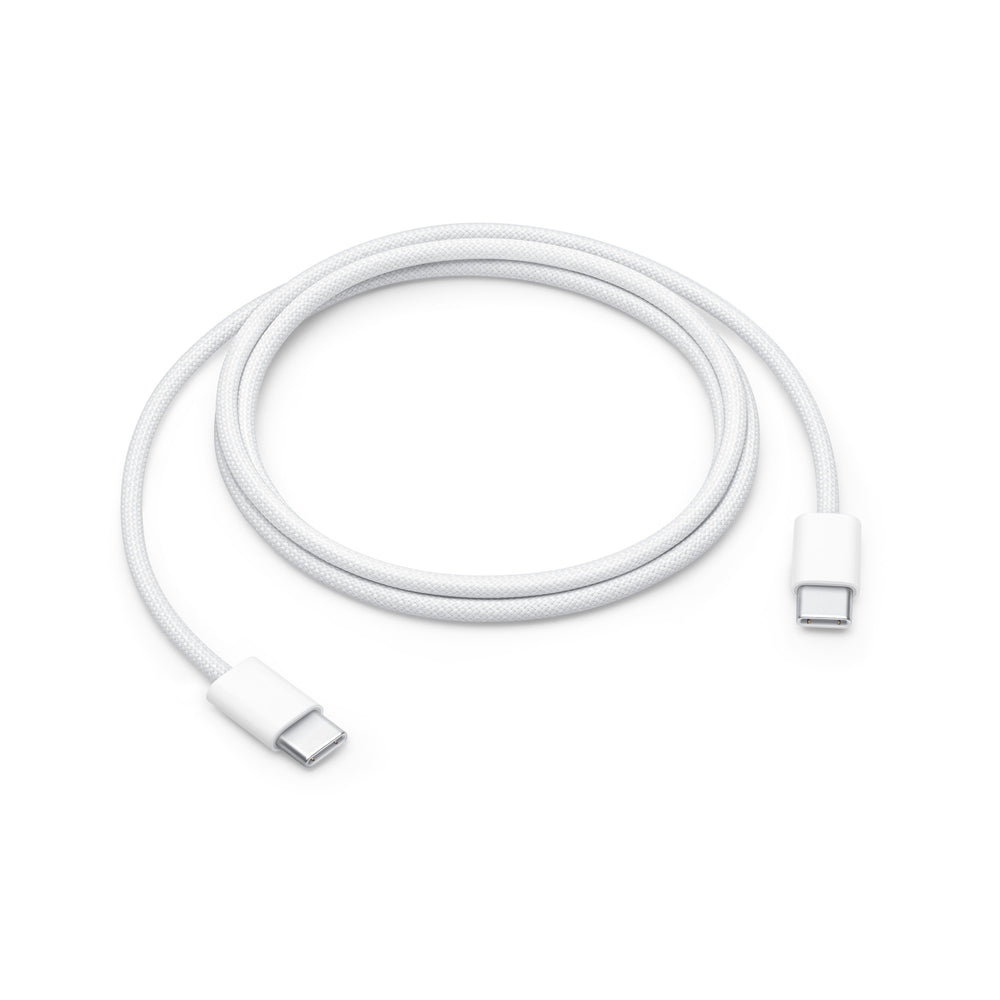
Original Apple 60W USB-C to USB-C charging cable (1 m) woven MQKJ3ZM/A
Our advantages for you

100% Original Apple
With us, you are guaranteed to receive original AirPods from Apple. Verify the authenticity at an Apple Store. If you are not satisfied, we will cover the return shipping costs!

100% New & Unused
We only ship new, unused AirPods (except for specially marked items).
For single shipments, we remove them from the original packaging and safely place them in our OneEarPod fabric pouch. Return shipping? We are happy to cover it!

100% Pairable
Our replacement AirPods are guaranteed compatible with your set. Instructions and video for pairing included. If it doesn’t work, we cover the return shipping costs!

Free shipping from €10

Free returns

Top rated by 5,500+

With you in 1-3 business days
More information
Effortlessly connect old with new
Don’t worry, you can easily connect your newly purchased AirPod with your old one. If you have difficulties, you can find the official Apple instructions here.
1

Place both AirPods in the charging case and connect the case to a power source, close the lid, and wait 20 minutes.
2

Open the lid. If the status light blinks white, close the lid of the case again and proceed to step 4. Otherwise, continue with the next step.
3

Leave the lid open and press and hold the setup button on the back for 15 seconds, until the status indicator first blinks amber and then white.
4

Before tapping Connect in the setup animation, go to Settings > Bluetooth > ⓘ (Your AirPods) > Forget This Device and confirm. If the AirPods are not visible there, continue with the next step.
5

Tap Connect in the setup animation and then tap Done. The AirPods are now ready to use.

Having trouble setting up?
No problem. Our German support team is available anytime by email to assist you. If you continue to have pairing issues, your authenticity guarantee applies and we will cover your return shipping.