


Condition
| Condition | Definition | Cosmetic condition | Technical condition |
| Brand new | unused new item | unused new item | tested, fully functional |
| Excellent | inspected return or refurbished item, disinfected | no or barely visible signs of use | tested, fully functional |
| Like new | refurbished used item, disinfected | minimal signs of use, e.g. fine scratches, matte surface | refurbished, tested, fully functional |
| Good | refurbished used item, disinfected | visible signs of use, e.g. deep scratches, discoloration, dents | refurbished, tested, fully functional |
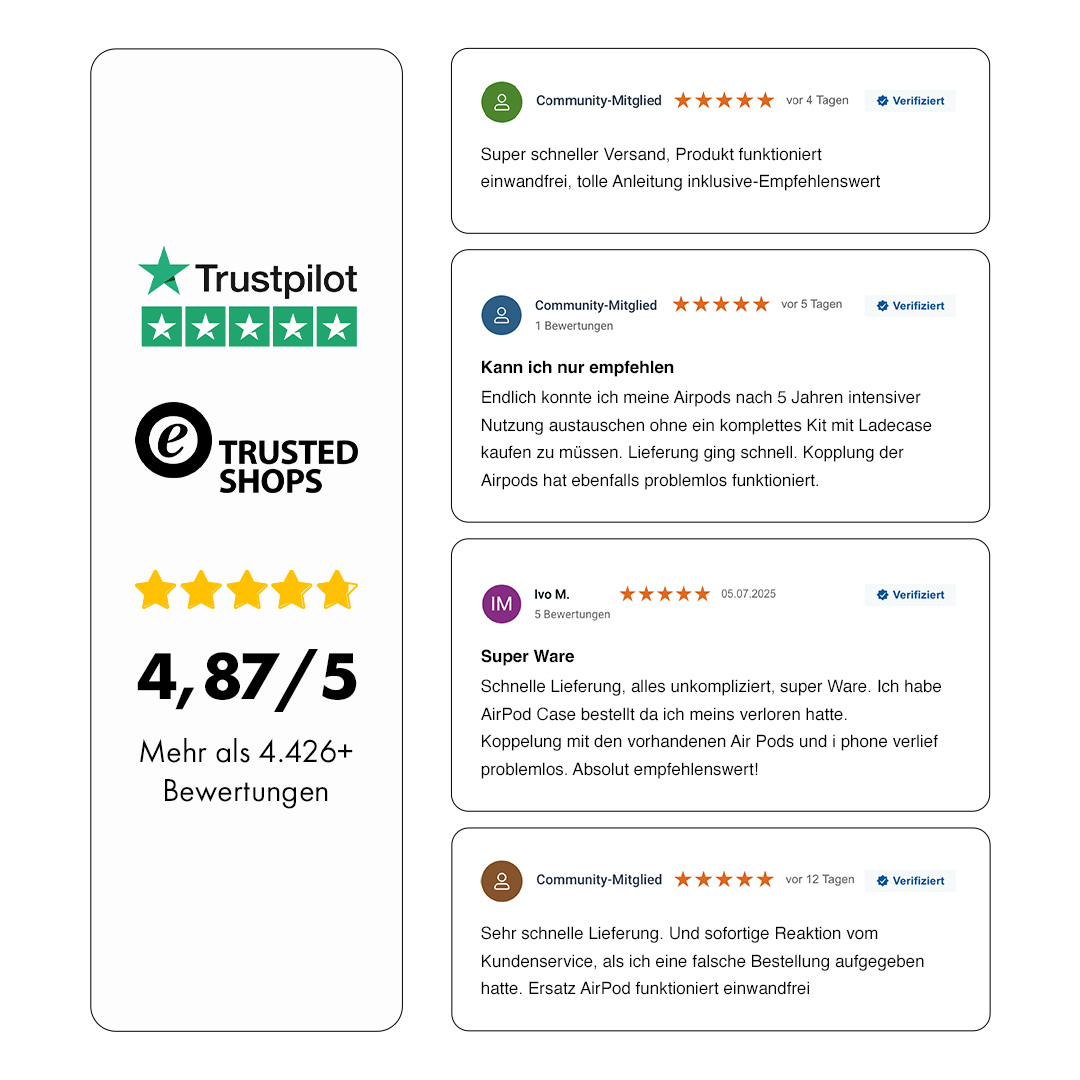
- Der Airpod funktioniert einwandfrei. Keine Beschwerden
- Alles perfekt und schnell geliefert!
- Sauberer und warmer Klang. Vielen Dank für Ihre Professionalität
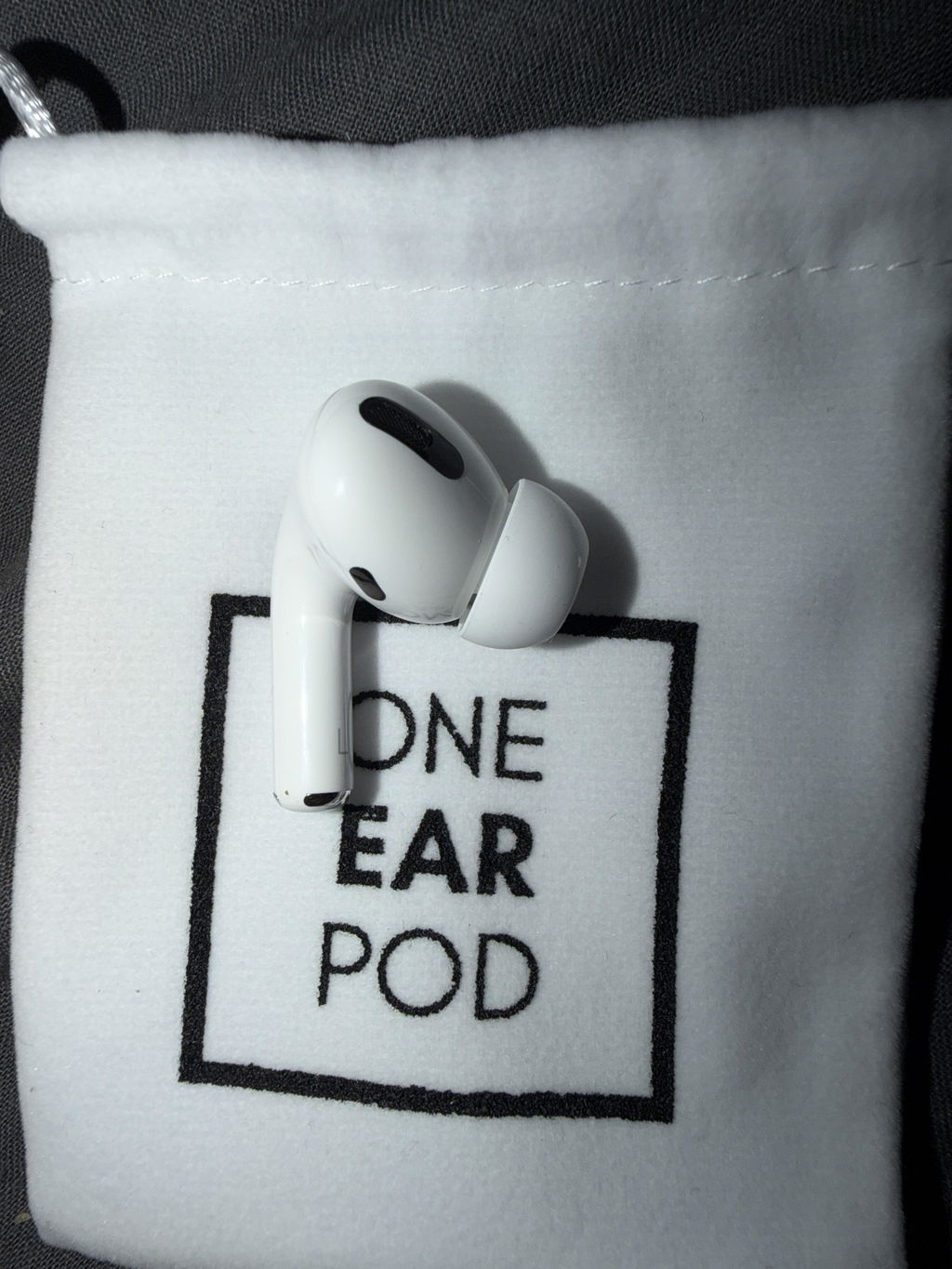
Je recommande ! Malgré un p’tit souci de transport mais très léger . L’AirPod pro est arrivé en excellent état ( quasi neuf ) fonctionnel et extrêmement bien conditionné et emballé avec la ptite sacoche en tissus one ear pod et le p’tit sachet de bonbon 👌🏽 vous pouvez leur faire confiance juste ne vous fiez pas au suivi tant que l frontière n’est pas franchie car c’est souvent faussé . Une fois passé la frontière le suivi est fiable et vous pouvez réceptionner votre commande sans souci et surtout sans risque de dommage car le conditionnement est parfait
Servizio ottimo!
Oggetto come da descrizione! Top!
Passt perfekt. Top
Alles bestens
perfect
Zuverlässig, funktionstüchtig, weiter zu empfehlen!
Alles bestens, gutes Preis-/Leistungsverhältnis für ein Originalprodukt von Apple
Alles Bestens, gerne wieder
El airpod funciona perfectamente. Ninguna queja
Alles super
Einwandfreie Ware
Schnelle Lieferung. Preis/Leistung passt.
Everything delivered perfect and fast!
Thank you for the gummy bears!
Schneller Versand. Gut verpackt mit netter Überraschung. Alles Prima.
An sich top, bloß ist die Geräuschunterdrückung nicht mehr so gut
Schnelle Lieferung und der Ersatz funktionierte auf Anhieb 😀
Einfach zu bedienende Website, sehr schneller Versand, tolles Produkt. Empfehlenswert
Der Akku des erworbenen Kopfhörers ist ultraschnell verbraucht. Viel schneller als von meinem - auch schon sehr alten - anderen Hörer. Das ist für einen Artikel, der als „wie neu“ verkauft wird, deutlich zu wenig.
Sehr guter Klang
Superschnelle Lieferung, Artikel top. Alles bestens!
Die Klangqualität ist nicht gut, es gab keine unterschiedlichen Ansätze für ins Ohr, der Kundenservice meldet sich nicht
Happy
Il prodotto è quello descritto. Unico neo: arriva totalmente scarico, dunque va messo in carica per poter essere risincronizzato con l'altro airpod.
buonasera
Io non ancora ricevuto nulla, GLS e Poste Italiane sono completamente inaffidabili… non può essere che una spedizione di 2-3 giorni dopo 10 giorni ancora arrivi al destinatario
Sono sicuro che non è un vostro problema ma va cambiato l’azienda di shipping
Saluti
Graziano Chiavaroli
Fantastico. Servizio top.
Soddisfatto dell’acquisto!!! Ho abbinato facilmente la cuffia e sono tornato all’utilizzo dei miei AirPods con la stessa qualità di ascolto che avevo prima che si guastasse la cuffia sx…. Consiglio, se non si vogliono spendere inutilmente soldi, gettando anche le componenti ancora funzionanti.., ps: ci guadagna anche l’ambiente!!!
Top
Ho ricevuto in tempi stabiliti il componente e funziona perfettamente. Lo sto usando e finalmente ricevo un suono pulito e caldo. Grazie per la vostra professionalità e vi ritengo fornitore affidabile.
Ich habe meinen Freund ausversehen die falsche Version gekauft, als ich nach einer retoure fragte hieß es ich muss das selber bezahlen. (Fast 4€ für ein kleinen Kopfhörer in einen Brief)
Also sollte man nicht mit ,,Kostenlose Rückgabe garantiert“ werben
Hallo Kimberly, danke für dein Feedback. Es tut uns leid, dass es hier zu Missverständnissen bezüglich der Rückgabe gekommen ist. Da in diesem Fall die Bestellung aufgrund eines selbstverschuldeten Fehlers retourniert werden musste, konnten wir kein kostenfreies Label zur Verfügung stellen. Solltest Du einen defekt haben, kannst Du es natürlich kostenfrei zurück schicken und wir tauschen es Dir aus. Wir möchten, dass unsere Kunden zufrieden sind, und werden deinen Hinweis intern prüfen, um unseren Service zu verbessern. Bei weiteren Fragen melde dich gerne bei uns!
-

New and refurbished AirPods
Brand new or professionally refurbished – the choice is yours.
-

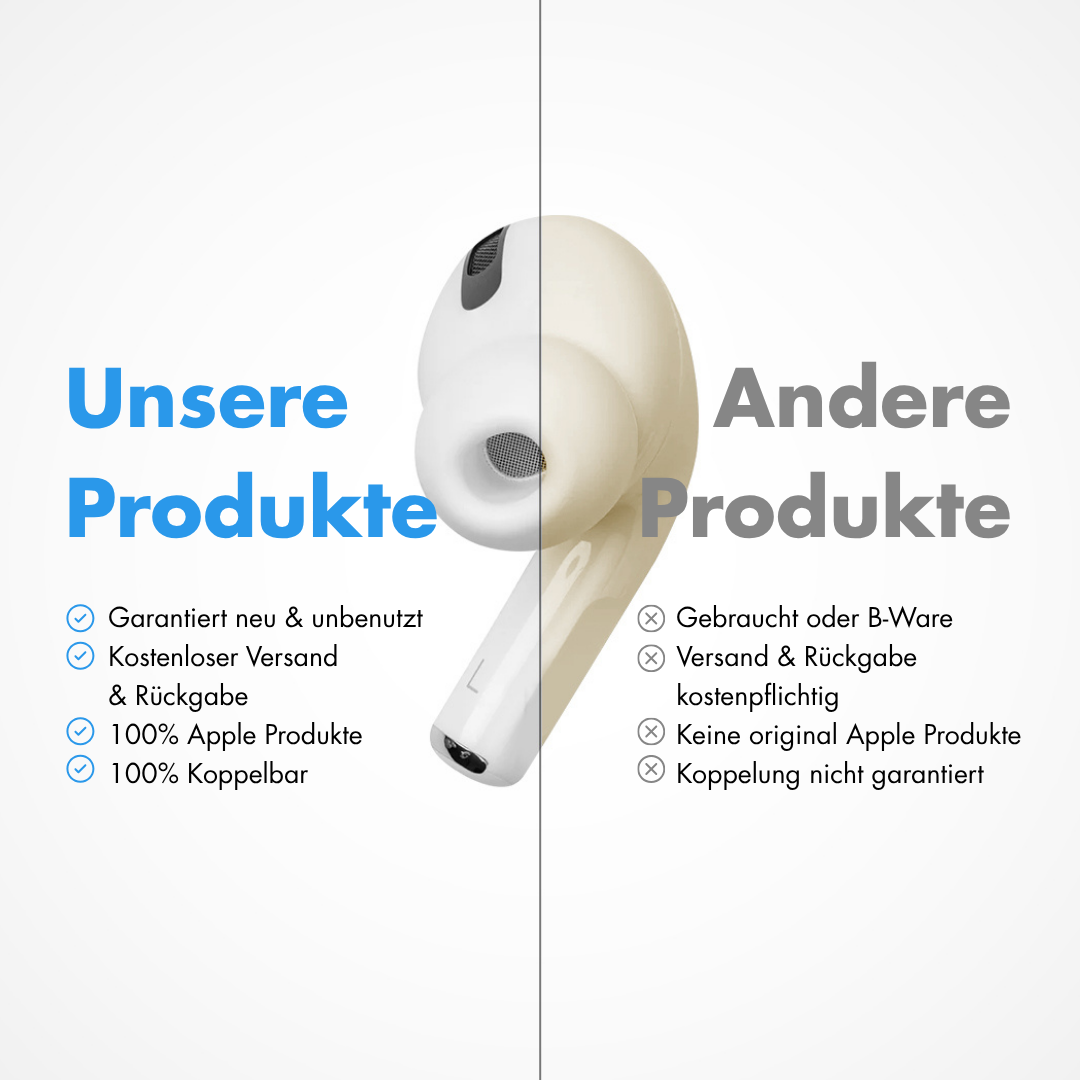
100% genuine Apple
You can verify authenticity anytime at any Apple Store.
-

30-day returns
Not happy? No problem! Just send the AirPods back to us.
-

Ready to use right away
Easy setup with our step-by-step guide.
-

Free shipping
Ready to ship within 24 hours and free of charge across Germany.
-

German support
Reach us anytime by email at service@oneearpod.com. Already 90,000+ happy customers.


