


Condition
| Condition | Definition | Cosmetic condition | Technical condition |
| Brand new | unused new item | unused new item | tested, fully functional |
| Excellent | inspected return or refurbished item, disinfected | no or barely visible signs of use | tested, fully functional |
| Like new | refurbished used item, disinfected | minimal signs of use, e.g. fine scratches, matte surface | refurbished, tested, fully functional |
| Good | refurbished used item, disinfected | visible signs of use, e.g. deep scratches, discoloration, dents | refurbished, tested, fully functional |
-

New and refurbished AirPods
Brand new or professionally refurbished – the choice is yours.
-

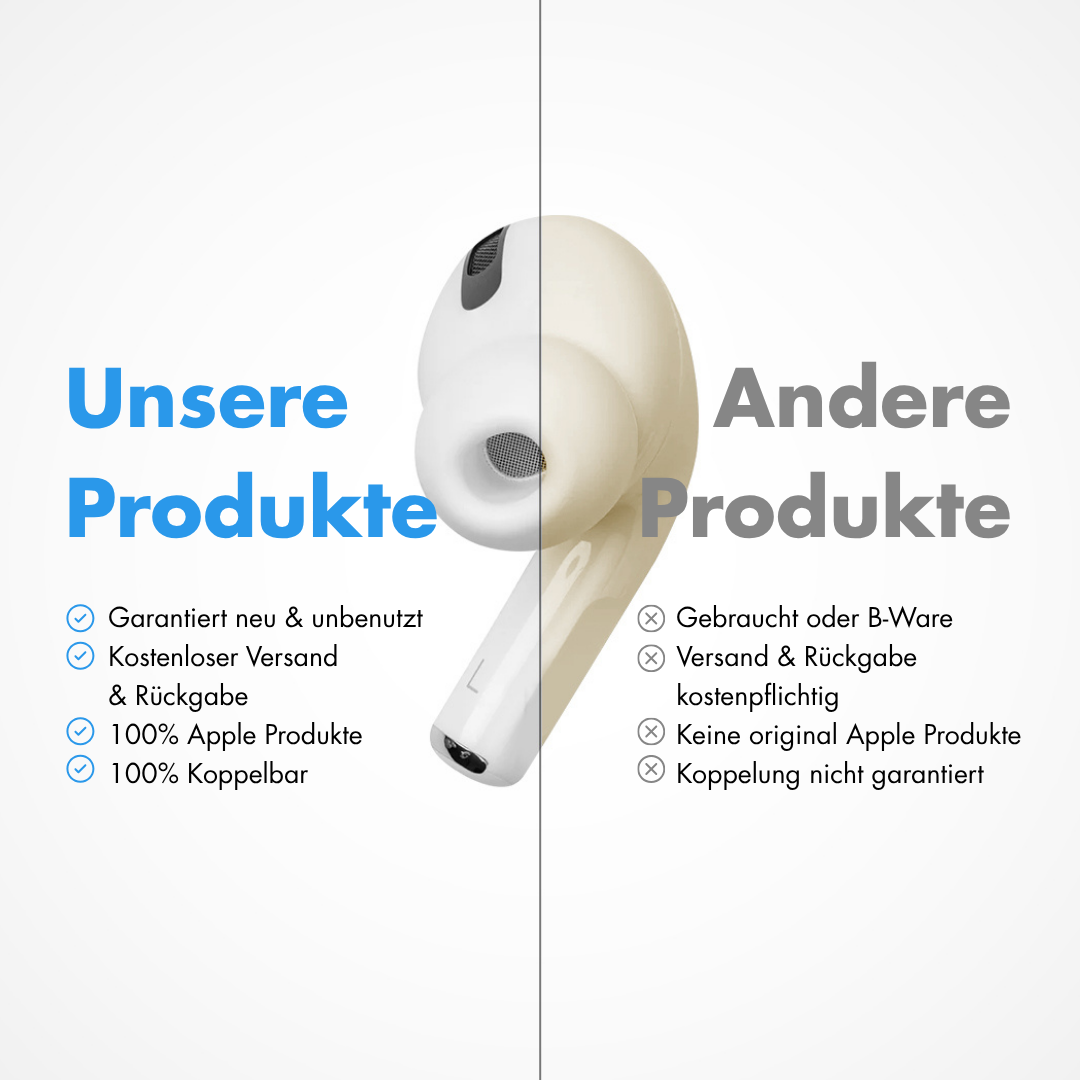
100% genuine Apple
You can verify authenticity anytime at any Apple Store.
-

30-day returns
Not happy? No problem! Just send the AirPods back to us.
-

Ready to use right away
Easy setup with our step-by-step guide.
-

Free shipping
Ready to ship within 24 hours and free of charge across Germany.
-

German support
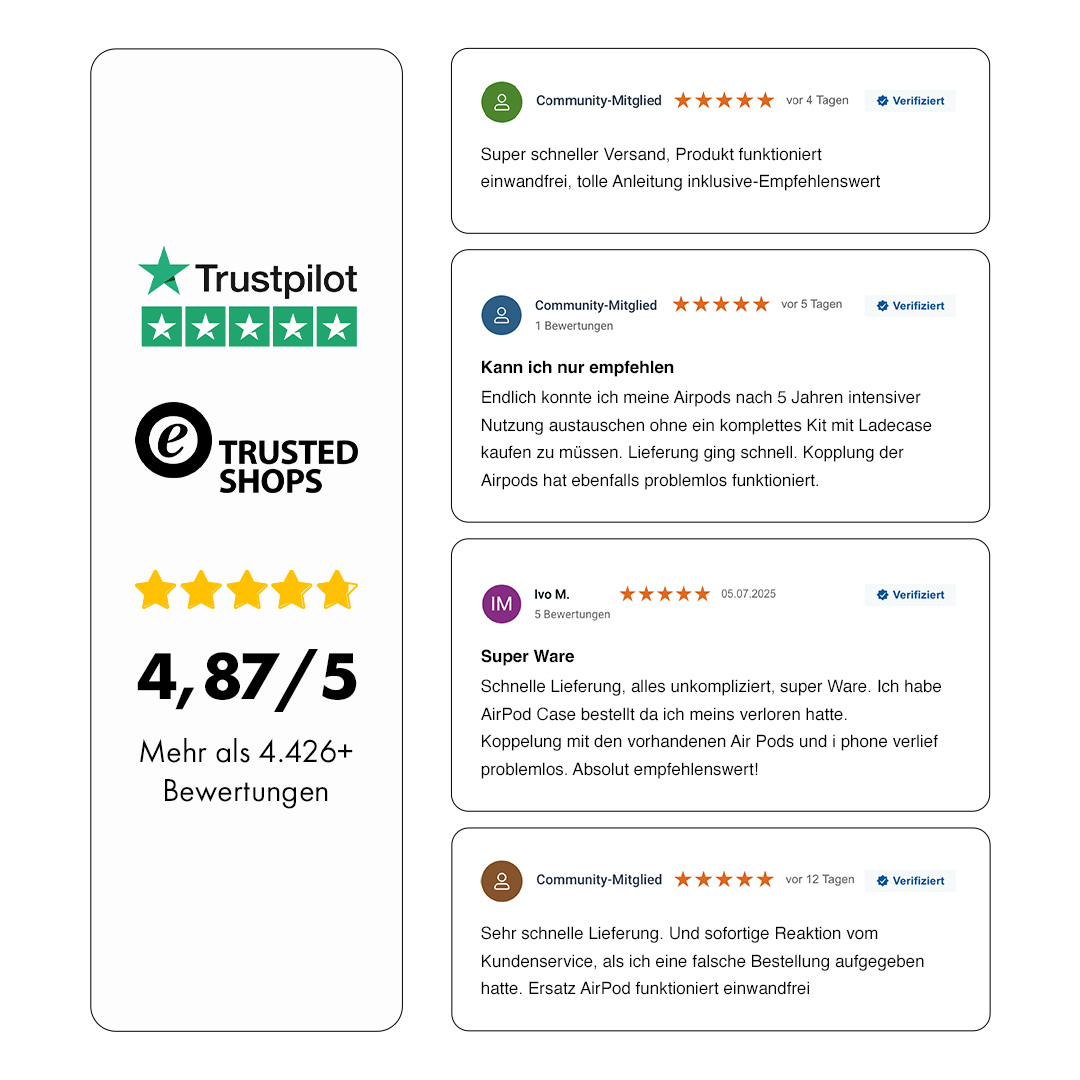
Reach us anytime by email at service@oneearpod.com. Already 90,000+ happy customers.


