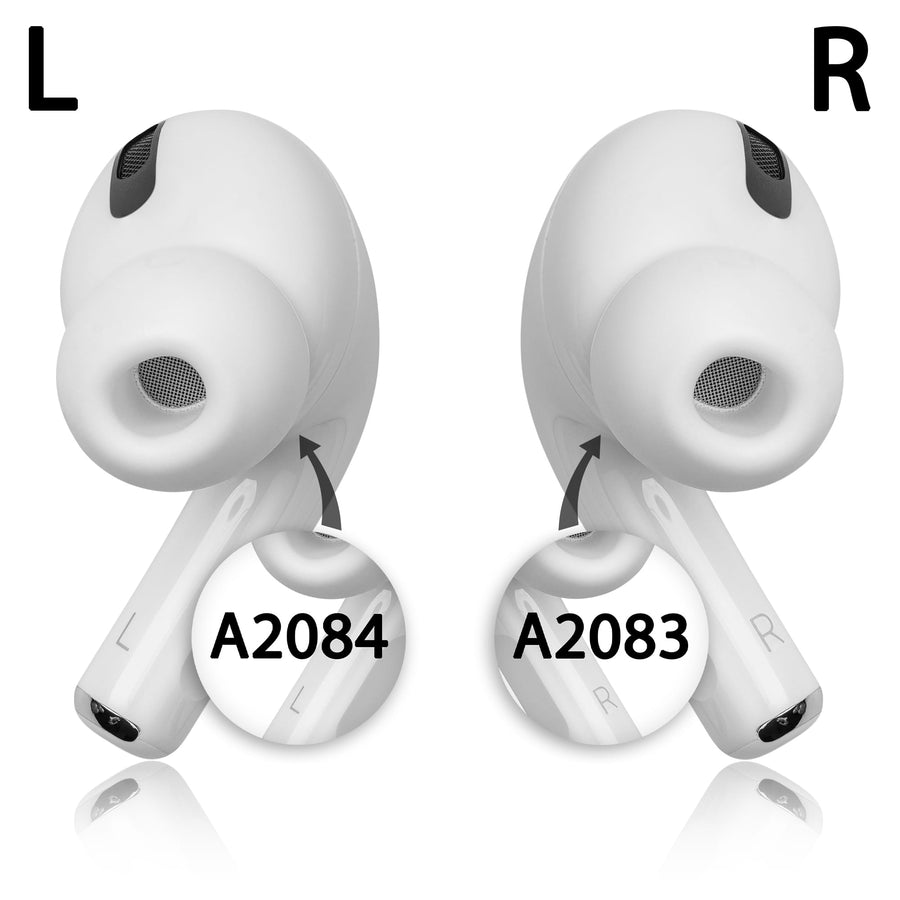
Product details
- Apple original product
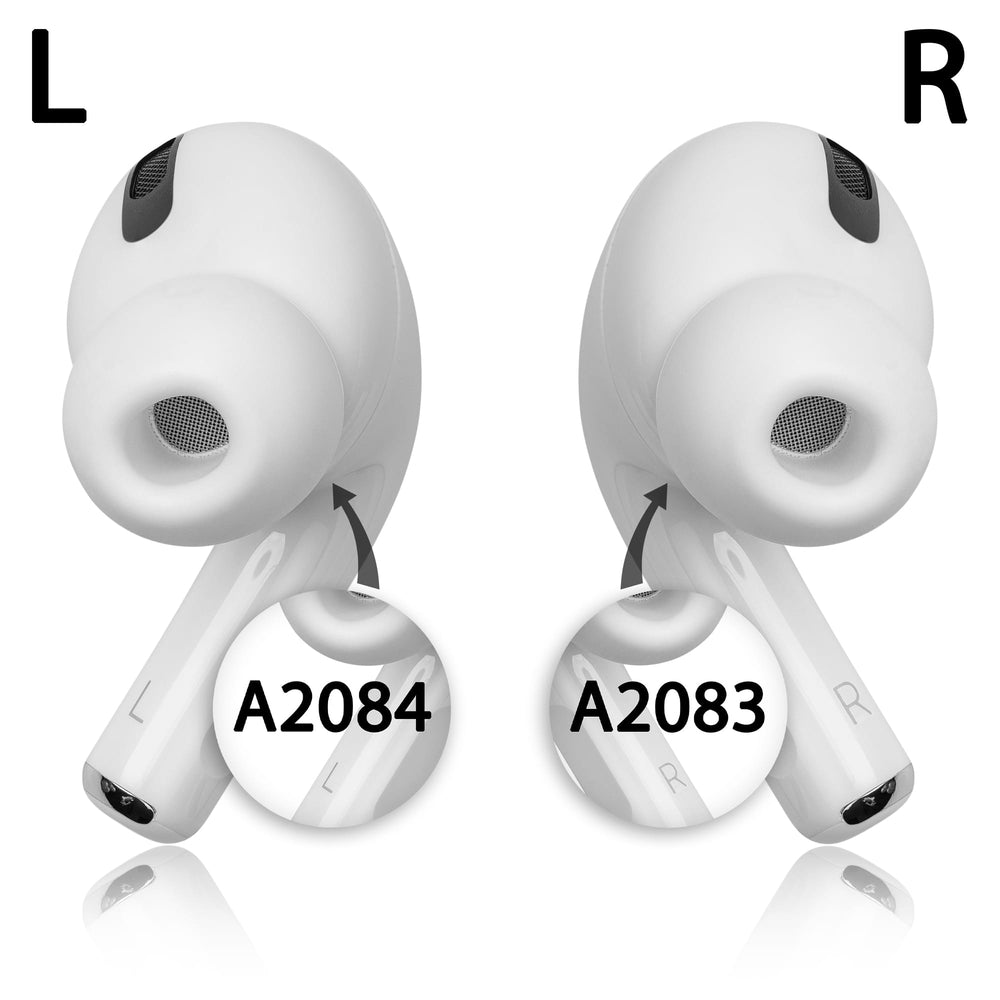
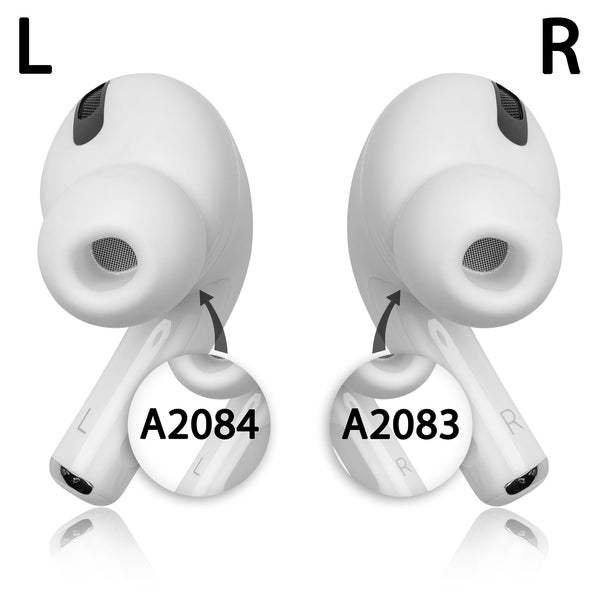
- Apple AirPods Pro 1st Gen, item as a replacement, Right Ear
- Model Number: A2083 (onlyRight Ear)
- Battery life of up to 4.5 hours
- 5 minutes charge for 1 hour playback time
- With protection against sweat and water
- 3D audio with dynamic head tracking
- Active noise cancellation and transparency mode
- UPC: 0194252721346
Scope of delivery
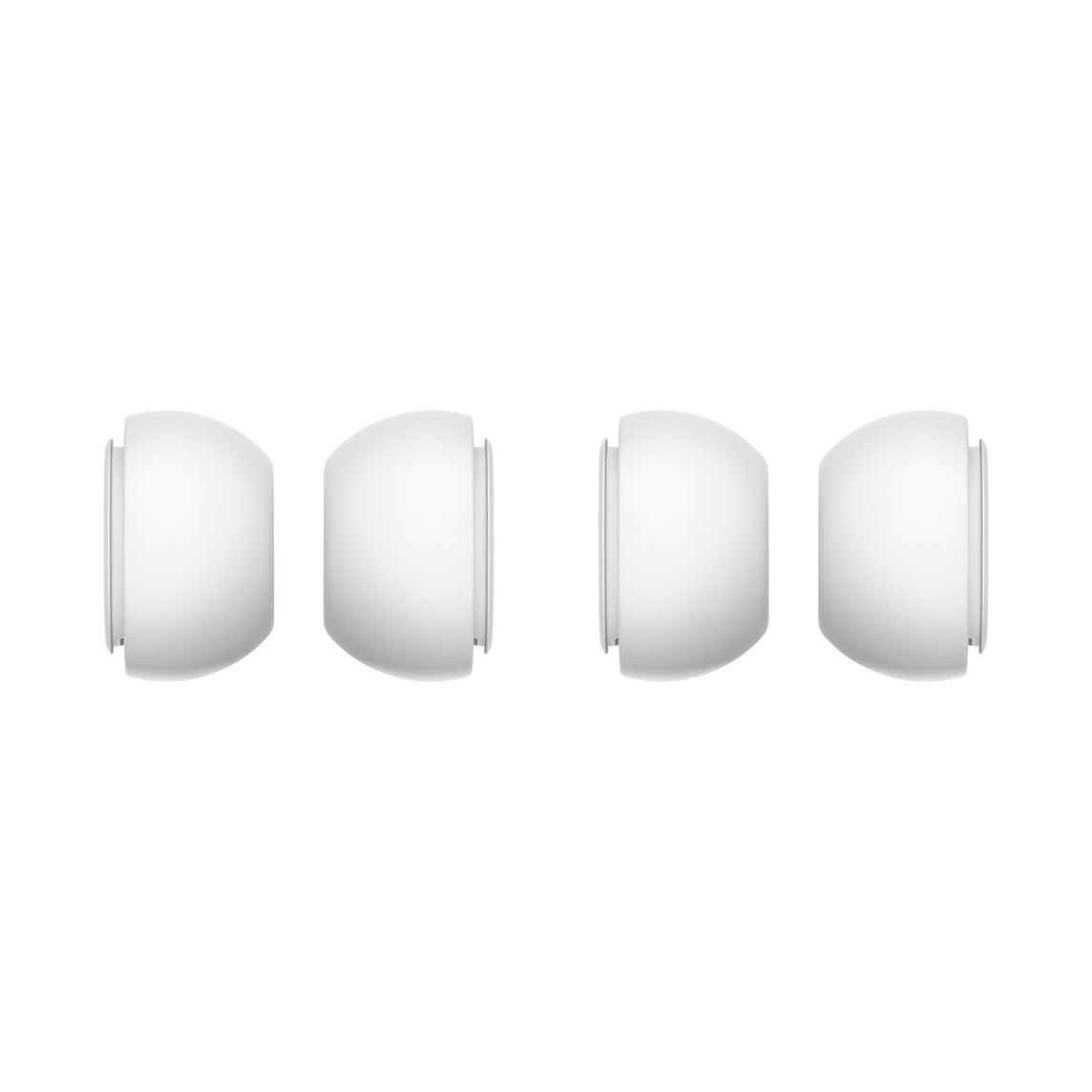
- Apple AirPod Pro 1st Gen Model Number: A2083 (only Right Ear). Size M silicone tips are already on the AirPod
- Instructions for use on how to pair this AirPod with an existing set
What can you do if you find that the AirPod Pro on the right is not working? As long as you are still within the warranty period, you can of course contact the manufacturer. Unfortunately, problems usually only occur after the warranty period has expired. You cannot buy AirPods Pro on the right or left individually in electronics stores.
Fortunately, no one has to buy a complete new set anymore, because you can also buy individual AirPods Pro on the right. We'll tell you how to do this later. First let's take a look at why more and more people have to look for a replacement for the right AirPod.
Why reorder a single AirPods Pro 1 right replacement?
It's obvious why you would want to buy just a single AirPod and not a whole set. This would be much more expensive. Sustainability and environmental awareness are also playing an increasingly important role in many people's decisions. Why should you buy a set when you only need an Airpods Pro 1 replacement for the right ear? Experience has shown that these are the most common reasons for purchasing a replacement.
AirPods Pro noise on the right
The good sound is the reason why so many people are satisfied users of the AirPods Pro. If the sound is impaired by noise at some point, then you cannot be satisfied with the performance of the headphones, whether for private or business use.
AirPod Pro 1 on the right won't connect
Some users are experiencing technical problems. These often manifest themselves in the fact that an AirPod can no longer be connected to the playback device. This makes further use impossible and you have to find a replacement.
Loss of an AirPods Pro 1 on the right
The size of the AirPods is practical because you can carry them in any pocket. However, size is also a reason why losses occur again and again. You can prevent this by always keeping both AirPods in AirPods Pro charging case stored.

Why do we offer individual AirPods?
We as users have also had the experience that the AirPods Pro can no longer be used on the right or left and have tried to get a replacement part. However, individual AirPods are not officially available in stores. We developed a business model from solving our own problem.
We want to offer our customers exactly the individual part of a set that is defective or lost. Nobody should buy products that they actually have no use for. This saves money and conserves resources.
What makes AirPods Pro so irresistible?
Most people will probably cite the sound, the long runtime on a single charge, or the convenience of pairing with iPhone and iPad. And these are all good reasons why the AirPods Pro have so many fans. But we find two other characteristics even more important and would therefore like to focus on them.
Noise cancellation
Apart from business meetings in the home office, AirPods are mostly used outdoors. On the way to work, while doing sports or taking a walk after work. And in all of these places there is ambient noise that can disrupt your enjoyment of music. Thanks to noise cancellation, you can virtually block out ambient noise with the AirPods Pro.
For this purpose, microphones are installed both on the outside of the headphones and on the inside, which detect unwanted external noises. To ensure that they do not disturb the telephone call or the enjoyment of music, background noise is neutralized using anti-noise.
Transparency mode
You don't always want to completely isolate yourself from the outside world. If you're waiting for an important phone call, you don't want to miss the ringing while you're listening to a podcast. The AirPods Pro offer a second mode in addition to noise cancellation. In transparency mode, external noise is not suppressed. As a pedestrian, you can hear important background noises such as the siren of an ambulance or the honking of a car and don't have to miss out on music.
You can get your Airpods Pro 1 replacement from us
We buy new sets, divide them into individual parts and sell them to you. Of course, the right AirPod and left AirPod have the manufacturer's warranty. And always when you purchase new goods from us. From time to time we also offer tested used devices. No matter whether AirPod Pro 1 is on the right or on the left, you will only get original spare parts from us!
We deliberately didn't commit to a single generation of AirPods. With us you will find charging cases and 2nd generation AirPods and 3rd generation as well as for the AirPod Pro.
How do I connect my new AirPod Pro replacement to the charging case?
If you have replaced a broken or missing part of your AirPods, you will need to connect them together to form a set. But that's not a lot of effort, as our instructions will show you. Just follow the individual steps carefully and you'll be able to listen to music again via the AirPods or take part in video conferences on your favorite device. It is important that you have fully charged both AirPods before going through our instructions.
1. In the Settings menu, go to the Bluetooth section and click the info button next to the AirPods.
2. You need to click “Ignore this device”.
3. Click “Ignore this device” a second time.
4. Now place both AirPods in the corresponding charging case.
5. Check the status light, which should be flashing yellow, by opening the charging case lid.
6. Press and hold the setup button on the back of the charging case for several seconds. This continues until the status display flashes white.
7. Pick up the device you want to connect to the AirPods and go to the home screen.
8. After you have opened the charging case, you have to hold it with the AirPods in it next to your playback device. A setup animation should start.
9. Now click on “Connect” and then “Done”.
With these simple steps you can reconnect and use your set right after purchasing an AirPods Pro.
What can you expect from us?
We know that we don't have to convince you of the product. That's why we've done everything we can to quickly provide you with a replacement for your right AirPod Pro. In our clear Online shop you will find the right spare part.
If you want to order several items, you can simply add your desired products to your shopping cart and then go to checkout. If, like most of our customers, you only want to order one item, you can also click directly on “Buy with PayPal” and you will be taken to the checkout process. If you would like to pay in a different way, you can alternatively click on “Other payment options” and also select Google Pay and shopPay for Express Checkout.
We ship all of our products free of charge and will ship your package within 24 hours. So you only have to be patient for a few days until you have a set to listen to music with your new AirPod Pro again.
Get your AirPod Pro 1 right replacement now, enjoy the incredible sound!