
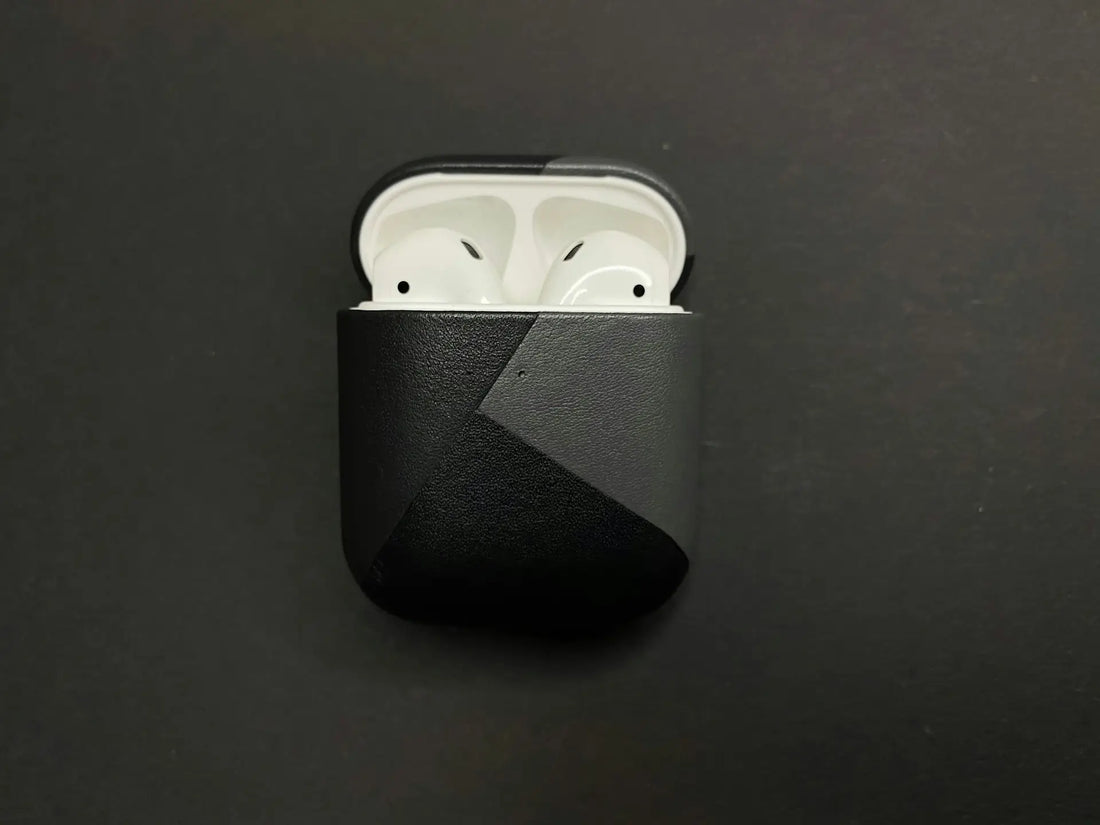
Whether in your pocket, backpack, or on your desk — your AirPods case is constantly in use. So it’s no wonder that dirt, dust, and dark residue build up over time. But with the right tips, you can get your AirPods charging case properly clean again — all without scratches or other damage.
In this article, we’ll show you step by step how to clean your case and what you should pay attention to.
Cleaning your Apple AirPods case: A simple step-by-step guide

You don’t need any special equipment for cleaning — a few household helpers are completely enough.
What you need:
-
A soft, lint-free microfiber cloth
-
Cotton swabs
-
A soft brush or a clean toothbrush
-
Isopropyl alcohol (70–90%) — optional, but effective
-
Wooden or plastic toothpicks for stubborn corners
-
Plenty of patience and a little dexterity
How to proceed:
1. Cleaning the outside
Wipe the case with the microfiber cloth. Light dirt can usually be removed this way. For more stubborn grime, you can lightly moisten the cloth with isopropyl alcohol.
2. Cleaning the inside
Open the lid and carefully remove dirt from the inside — especially in the charging slots. Cotton swabs, toothpicks, or a fine brush can help here. Warning: Do not let any liquid drip directly into the case!
3. Cleaning the charging port
Lint often collects at the bottom end of the case (Lightning port). Don’t blow into it — better: carefully scrape it out with a dry toothpick or a clean brush.
4. Cleaning the lid and hinges
These areas are often neglected — with cotton swabs and a touch of alcohol, you can make everything shine again here too.
Extra tip: No harsh chemicals, no compressed-air sprays, and never water directly into the case!
Reading tip: Here you’ll also find instructions on how to clean your AirPods yourself.
Why should you clean your AirPods case regularly?
The case is not just a protective cover — it charges your AirPods. And that only works if the contacts are clean. Dirt can:
-
Impair the charging function
-
Hold the AirPods less securely
-
Cause short circuits or scratches
-
Honestly: It just looks disgusting.
Regular cleaning therefore not only ensures a better look, but also the functionality and longevity of your AirPods.
Avoid these mistakes when cleaning your AirPods case

-
Using water: Even though it may be tempting — water can get inside and damage the electronics. Avoid water damage to your AirPods.
-
Using metal tools: Paper clips or needles do more damage than they clean.
-
Too much alcohol: Isopropyl alcohol is fine, but only in small amounts — and never pour it directly into the case.
-
Cleaning the AirPods at the same time: The AirPods themselves need a different cleaning method. Not everything that applies to the case also applies to the earbuds.
-
Blowing into the charging slots: That only spreads the dirt around or pushes it deeper inside.
Is your AirPods case beyond saving despite cleaning?
Sometimes even the most thorough cleaning won’t help anymore. If your case is heavily worn, damaged, or technically defective, it’s not worth putting more time and effort into it.
Typical signs that your case is ready to be replaced:
-
It no longer charges your AirPods, or only intermittently
-
The LED stays off even though the case is connected
-
The case is sticky on the inside, damaged, or unsightly
-
The lid no longer closes properly or wobbles a lot
What now? You need a replacement.
But you don’t have to buy the whole set again right away. In our online shop at OneEarPod you can also get the charging case separately, of course as an original part with a warranty. This saves you real money and extends the life of your AirPods – sustainably and hassle-free.
Frequently Asked Questions
Can AirPods be cleaned professionally?
Yes, some phone repair services offer professional cleaning – sometimes even with ultrasound. But: for the case, it usually isn’t worth it. With a little time, you can easily do it yourself.
Can AirPods be cleaned with ultrasound?
For the AirPods themselves (not the case!), some shops use ultrasonic cleaning – especially for earwax or deep dirt buildup. The case should be left out of this, as the electronics inside are sensitive.
How do I clean my AirPods case?
This is how you clean your AirPods case:
-
Outside with a microfiber cloth & a little alcohol
-
Inside carefully with cotton swabs & toothpicks
-
Clean regularly – then it won’t get too bad in the first place
How can I clean the AirPods Pro case?
You can clean the AirPods Pro case the same way as the regular AirPods case. However, the Pro models often have somewhat narrower slots. Be especially careful with the cotton swabs here and never let any liquid get into the charging ports.
This is how you clean the case:
-
Outside with a microfiber cloth & (only very little) alcohol
-
Inside carefully with cotton swabs & toothpicks
-
Clean regularly – then it won’t get too bad in the first place