
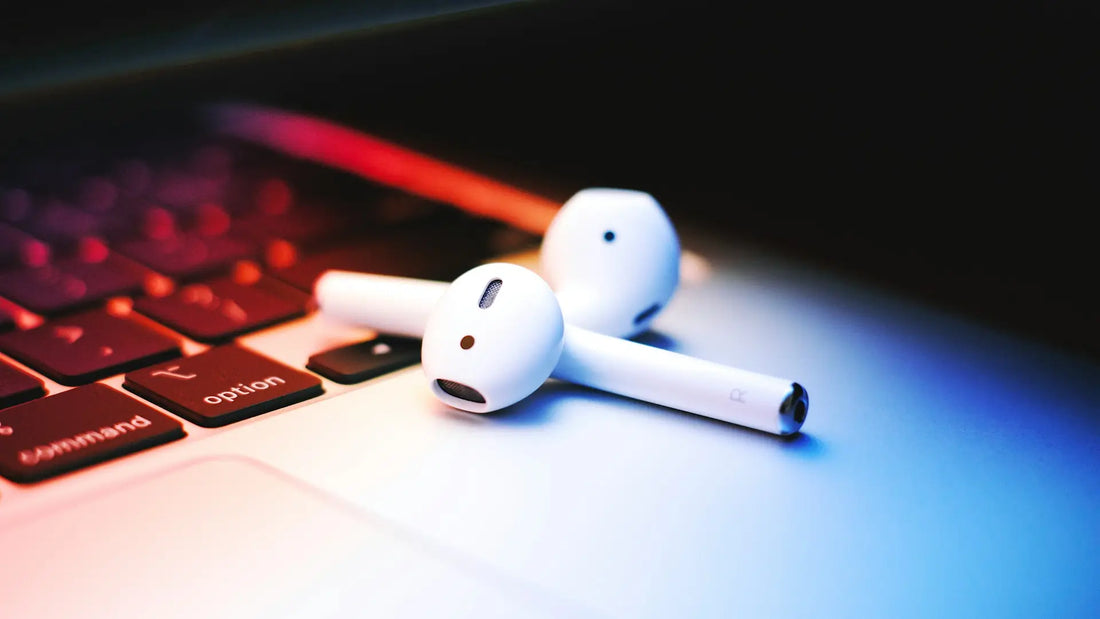
If your AirPods suddenly sound muffled or quieter, it is often due to clogged speaker grilles. Dust, earwax, or moisture build up over time and noticeably affect the sound. In this guide, we show you safe and effective methods for cleaning your AirPods, including prevention tips and answers to frequently asked questions.
Cleaning AirPods grilles: The best methods (and common mistakes)

1. How do you clean AirPods grilles?
Regular and gentle cleaning of your AirPods is important to maintain optimal sound quality. Here’s how it works:
-
Gather your tools: For cleaning, a soft toothbrush (e.g. a baby toothbrush), a microfiber cloth, canned compressed air (optional), and a mild cleaning agent are suitable — ideally micellar water or isopropyl alcohol with a maximum concentration of 70%.
-
Moisten the brush: Lightly moisten the toothbrush with micellar water — it should not be dripping wet. Avoid harsh liquids or water that could get inside the case.
-
Brush the grilles: Hold the AirPod with the grille facing up. Gently clean the grille using circular motions. Be careful not to apply too much pressure to avoid damaging the delicate membranes.
-
Dry: Tap the AirPod grille-side down on a soft cloth to remove excess liquid and loosened dirt. Then let it air-dry for a few minutes.
-
Repeat: Depending on how dirty it is, you may need to repeat the steps several times — especially for heavily clogged grilles.
2. Can you clean AirPods with rubbing alcohol?
Yes, rubbing alcohol — specifically isopropyl alcohol at a concentration of 70% — is generally suitable for cleaning AirPods. It has the advantage of evaporating quickly and dissolving grease, which is especially helpful for stubborn dirt. However, it is important:
-
Use only on the outside: Lightly moisten a lint-free cloth or cotton swab with the alcohol. Gently wipe the grille and other plastic surfaces with it.
-
Do not let any liquid get inside: Alcohol must never be allowed to run into the speaker grille or into the charging case, as it could damage the sensitive electronics.
-
Do not use permanently: Alcohol can damage the surface over time, so use it only when needed and sparingly.
3. Can AirPods be cleaned with a toothpick?
Cleaning with toothpicks or other hard objects is generally not recommended. Even if it seems tempting to scrape out visible dirt with them, there is a high risk of damaging the fine mesh or the speakers behind it. In many cases, more dirt is pushed in than removed.
Safe alternatives are:
-
A soft toothbrush or a brush
-
Cotton swabs with a slightly moistened tip
-
Special AirPod cleaning kits with silicone tips
These tools clean effectively — without leaving scratches or damage.
AirPods mesh still clogged despite cleaning?
If you can hardly hear any sound despite repeated cleaning, or if the sound remains dull, the buildup may be particularly stubborn or deeply embedded in the mesh. Repeat the cleaning with micellar water in several passes — often, stuck earwax only comes loose gradually.
A combination of a damp brush and careful compressed air can also help loosen the last particles.
Important: Do not use force or too much moisture — that does more harm than good.
If the AirPod still remains almost silent, there may be a technical defect. In that case, it is advisable to have Apple Support check it if you still have warranty on it.
What if, even after cleaning, only one AirPod is quieter?

If, after cleaning, one of your AirPods sounds significantly quieter than the other, there can be several reasons:
-
Residual moisture: Even minimal moisture that gets into the mesh during cleaning can dampen the sound. Let the AirPod dry completely — ideally 2–3 hours at room temperature, mesh side down.
-
Not fully cleaned: There may still be residue of dirt or earwax in the mesh. Another careful cleaning with micellar water or isopropyl alcohol can help.
-
Balance set incorrectly: Check under Settings > Accessibility > Audio/Visual > Balance whether one ear is emphasized more strongly.
-
Technical defect: If none of that helps, the affected AirPod may be damaged — whether from a previous drop, contact with water, or simply due to age.
The good news: You don't have to replace the whole set right away, as Apple often recommends. In our online shop we offer original AirPods sold individually — matched to your model. All products are new, original, with full manufacturer warranty — and significantly cheaper than buying a new set.
We buy complete sets directly from the manufacturer, inspect them carefully, and offer you exactly the part you need — whether it's the left AirPod, the right AirPod, or the charging case. That way you save money — without compromising on quality or warranty.
Prevention: Why do AirPods grills clog and what are the consequences?
The main causes of clogged AirPods grills are:
-
Earwax and skin particles
-
Dust and pollen
-
Sweat and moisture during sports
-
Storage in dirty bags or trouser pockets
The consequences include:
-
Muffled or distorted sound
-
One-sided volume issues
-
Increased risk of internal corrosion
-
Possible complete failure of the speakers
You can prevent this as follows:
-
Clean AirPods regularly (once a week is ideal)
-
Always store them in the charging case
-
Do not use them with wet ears
-
Wipe them with a dry cloth before sports if necessary
Frequently asked questions
What should I do if AirPods are clogged?
If your AirPods are clogged, you should gently clean them with a soft, dry brush — for example, a baby toothbrush. Make sure to brush the grille gently in circular motions without applying pressure. For heavier dirt, you can also use micellar water or 70% isopropyl alcohol. Avoid water, toothpicks, or pointed objects — they can damage the grille and permanently affect sound quality.
Can the grille be removed from AirPods?
If you are considering removing the grille from your AirPods, you should know that this is not a good idea. The grille is firmly glued in place and protects the sensitive components inside. If it is removed, dirt can get in unhindered — and there is a high risk of permanently damaging the AirPods. Repairs are then usually no longer possible or economically worthwhile.
How do you clean AirPods grilles?
If you want to clean your AirPods grilles properly, use a dry or slightly damp soft brush. Micellar water or isopropyl alcohol (70%) help with stubborn dirt. Brush the grille in small circular motions, hold the AirPods with the grille facing down, and then dab them dry on a cloth. Repeat the process if necessary, but then let the AirPods air-dry completely before using them again.
How do you remove earwax from AirPods?
If earwax has built up on your AirPods, remove it carefully with a soft, dry brush or a damp cotton swab. Be careful not to damage the grille, and definitely avoid hard objects such as paper clips or toothpicks. Regular, gentle cleaning prevents dirt from becoming embedded in the first place.
How do you get water out of AirPods?
If your AirPods get wet, immediately dab them carefully with a dry, lint-free cloth and then leave them open in a dry place. Let them air-dry for at least 2–3 hours — longer is better. Never use a hair dryer, heater, or microwave, as heat can destroy the delicate electronics. You should also only use the charging case once you are sure the AirPods are completely dry.
Can you open AirPods?
If you are thinking about opening your AirPods yourself, you should know: without special tools, that is hardly possible and almost always causes damage. The housings are glued, not screwed together — which makes opening them extremely difficult. Even experienced technicians risk rendering the AirPods permanently unusable when opening them. If there is a problem, Apple Support is the better option.
How do you open the AirPod case without damaging it?
If you want to open your AirPod charging case safely, simply flip open the lid as intended — without any tools or force. For cleaning, a dry microfiber cloth or a slightly damp cloth with alcohol is enough. You should not use any liquid inside. Force or prying can damage the hinges — so it is better to be careful.