
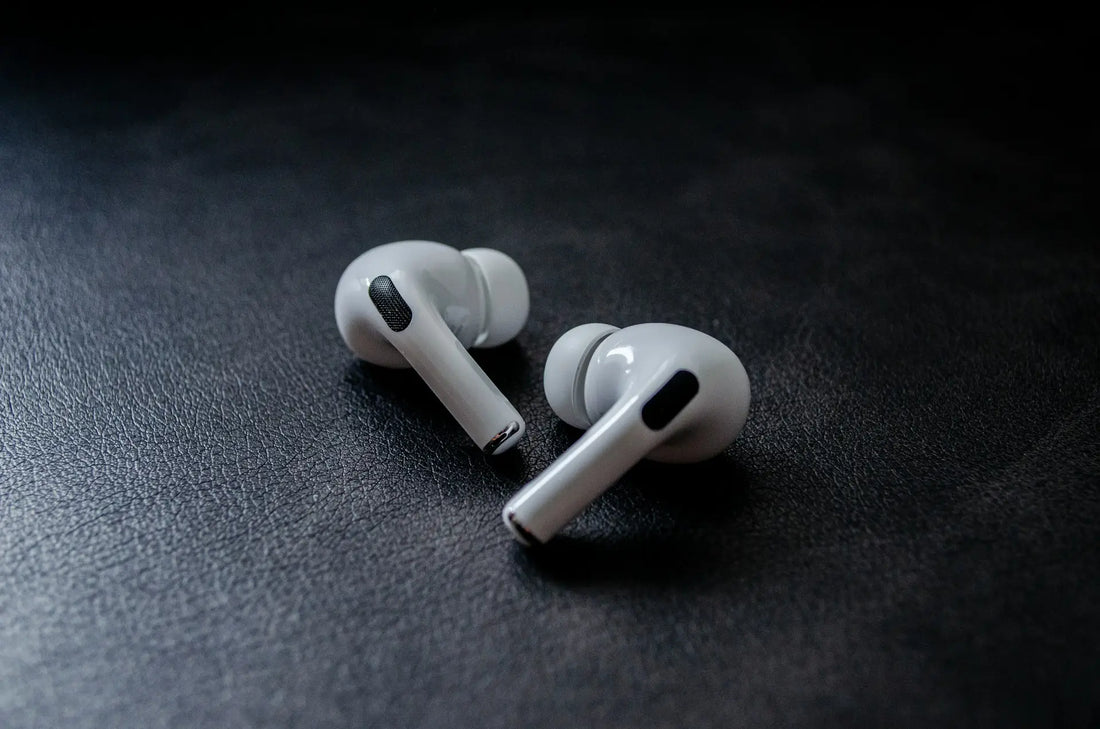
Your AirPods Pro 2 won’t connect to your iPhone or iPad? That can be frustrating. In this article, you’ll learn why connection problems occur and what steps you can take to fix them quickly. We’ll also show you what you can do if only one AirPod connects sometimes, or if no connection is possible despite all measures.
Why won’t my AirPods Pro 2 connect?
There are various reasons why your AirPods Pro 2 won’t pair with your device. Often, it’s due to the following points:
-
Low battery level: If either the AirPods battery or the charging case battery is too low, the connection won’t work.
Reading tip: Why does my AirPods battery always drain so quickly? -
Bluetooth conflicts: Multiple paired devices nearby or a faulty Bluetooth module can cause problems.
-
Outdated firmware or software: An old iOS version or outdated AirPods firmware can interfere with the connection.
-
Failed pairing: Sometimes things go wrong during initial setup or repeated attempts if the pairing data is faulty.
-
Defective hardware: In rare cases, the charging case or one of the AirPods itself is damaged.
AirPods Pro 2 won’t connect: The solutions

If your AirPods Pro 2 are acting up, try the following solutions one after another. Often, one of these measures is enough to get the connection working.
1. Battery check
-
Check the case: Make sure the charging case is sufficiently charged.
-
Charge the AirPods: Place both earbuds in the case and wait at least 15 minutes.
-
Check battery level: Check the charge status on the iPhone (Battery widget) or via the LED indicator on the case.
2. Reset Bluetooth
-
Turn Bluetooth off and back on: Briefly disable Bluetooth on your iPhone or iPad and then enable it again.
-
Restart the device: Also restart your iPhone to fix stubborn Bluetooth errors.,
-
Minimize sources of interference: Turn off Bluetooth on other devices or disconnect unnecessary connections that could affect the pairing process.
3. “Forget” AirPods and pair them again
-
Open the Settings → Bluetooth on your iPhone.
-
Tap the “i” icon next to your AirPods Pro 2 and select “Forget This Device.”
-
Place both AirPods back in the case, open the lid, and hold down the setup button until the LED flashes white.
-
Then pair the AirPods with your device again from scratch.
4. Update firmware
-
Make sure your iPhone or iPad is up to date (Settings → General → Software Update).
-
Leave the AirPods in the open case near your iPhone so they can automatically receive a firmware update, if available.
-
It may simply have failed to connect because a firmware update has not yet been fully downloaded and installed.
5. Check the hardware
-
If no connection is still possible despite all the steps, you should consider a possible defect.
-
Contact Apple Support or an authorized dealer to have the hardware checked.
-
First check whether you are still eligible for a warranty.
Why does only one AirPod Pro 2 sometimes connect?

That only one AirPod works can have various causes:
-
One is drained: The affected AirPod may not be charged sufficiently or may have contact issues in the case.
-
Dirty contacts: Lint or dirt on the charging contacts can prevent an AirPod from charging or being detected properly. Reading tip: Clean AirPods carefully and correctly
-
Faulty pairing: Sometimes the iPhone only detects one AirPod if the Bluetooth connection is not set up correctly.
Tip: First put only the problematic AirPod Pro 2 back into the case and wait a few seconds. Then take it out again. This small trick often helps both earbuds to be detected.
What can I do if my AirPods Pro 2 still won’t connect?
If your AirPods Pro 2 still won’t connect despite all attempts, there may be a defect. In this case, you have the option to reorder new AirPods Pro 2.
However, if only a single AirPod Pro 2 is affected, you do not have to buy a complete bundle right away. We also offer individual left or right AirPods Pro 2.
The manufacturer itself does not offer single units, but we do, so you can save money as well as resources and do something good for the environment too.
We sell only original products, so of course you receive the usual manufacturer warranty. To do this, we purchase complete sets, disassemble them into their individual parts, and carefully inspect every component. You can then buy only the part you really need.
Frequently asked questions
AirPods Pro 2 no longer connect automatically?
Make sure Automatic Ear Detection is enabled in the AirPods settings. Also, your iPhone should be unlocked and within range when you put the AirPods in your ears. If it still doesn’t work automatically, try briefly turning Bluetooth off and back on, or unpair the AirPods to pair them again.
How can I update my AirPods Pro 2?
The firmware updates automatically as soon as your AirPods Pro 2 are connected to an iPhone that has an internet connection. To do this, simply place them in the case, open the lid, and leave them close to the iPhone. There is no manual update function.
How much does a single AirPod Pro 2 cost?
Individual AirPods Pro 2 are usually only available through third-party providers, as Apple itself does not sell individual units. With us, you can get individual AirPods Pro 2 from €124.49 and still benefit from the original manufacturer’s warranty. We purchase complete AirPod sets directly from the manufacturer and offer the individual components separately: this way, you only buy the replacement part you actually need.