
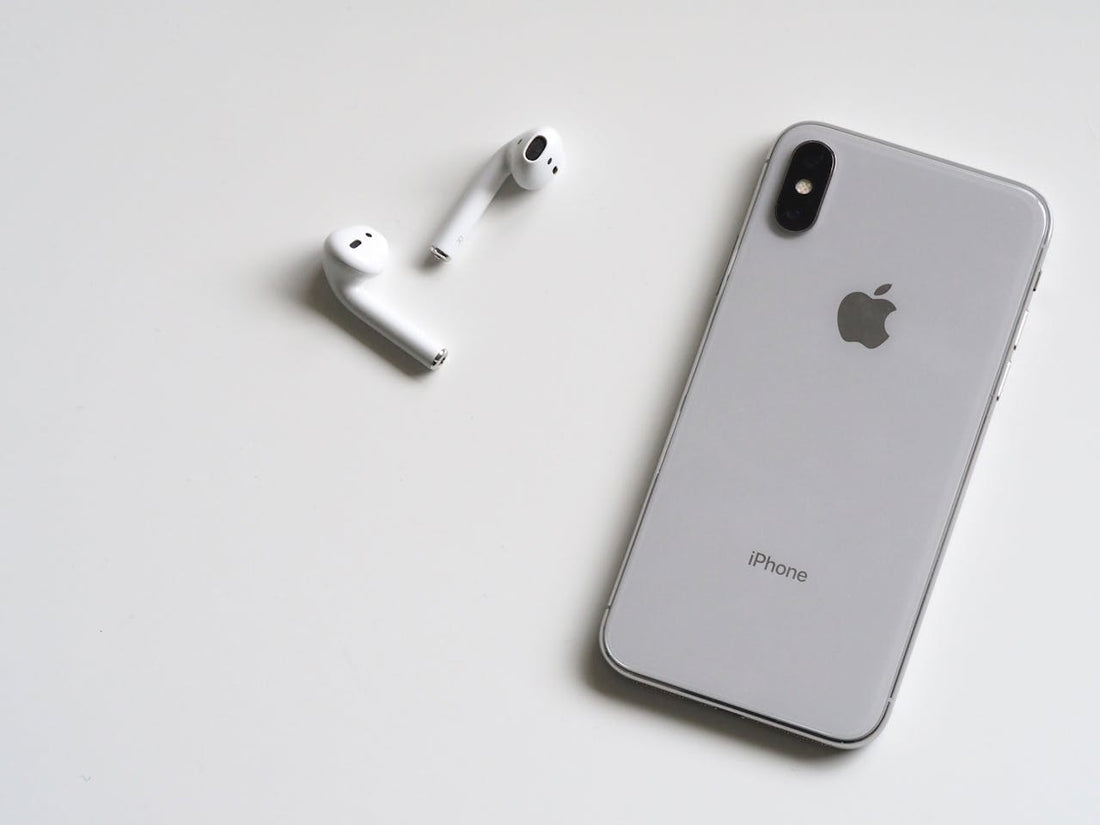
How long do AirPods really last? Here you’ll find out why some break sooner, how you can extend their lifespan, and when a repair is worthwhile. We also take a look at how long the battery lasts in the different AirPods models and how you can preserve it optimally. In addition, we’ll show you what you can do if only a single AirPod fails or has battery issues.

How long do AirPods last before they break?
The lifespan of AirPods varies depending on usage intensity and care. On average, you can expect a lifespan of about 2 to 3 years before performance noticeably declines.
Common weak points are the battery, which loses capacity over time, and mechanical damage from daily use.
And whether they break naturally depends a lot on how carefully you handle them. Especially intensive use, such as making calls every day or listening to music for hours, speeds up wear and tear.
Factors such as temperature and humidity can also affect their lifespan. With proper care, however, you can significantly extend their service life. Here’s how:
Tips for a longer lifespan for AirPods
To help your AirPods last as long as possible, there’s quite a lot you can do. Here are a few simple tips:
-
Regular cleaning: Dust, earwax, and dirt can block the speakers and microphones. Use a soft, dry cloth or cotton swabs to keep the AirPods clean. You should avoid harsh cleaning agents. More information on cleaning AirPods and microphone .
-
Protection from extreme temperatures: AirPods don't like extreme heat or cold. It's best to store and use them at moderate temperatures to protect the battery and electronics.
-
Proper charging: Don't overcharge your AirPods for long periods. Don't leave them continuously in the charging case once they're fully charged, and avoid charging them overnight. This protects the battery and extends its lifespan.
-
Caution with moisture: Even though AirPods are partially protected against sweat and water, you shouldn't use them in the rain or in the shower. If they get wet, dry them thoroughly immediately.
-
Gentle storage: Always store your AirPods in the charging case when you're not using them. This protects them from dust, scratches, and impacts, and the batteries discharge more slowly.
- Software updates : Keep your AirPods up to date by regularly installing software updates. These can improve performance and fix possible bugs.
With these simple measures, you can significantly extend the lifespan of your AirPods and enjoy them for longer!
Is it worth repairing AirPods if they no longer work?

Whether repairing your AirPods is worthwhile depends largely on which model you have and what type of defect it is.
In general, repair is especially worthwhile for newer models, minor damage, and when your AirPods are still under warranty or AppleCare+.
In such cases, Apple often covers part of the cost, or the repair is even free. That makes a repair much more attractive, especially if only a single AirPod or the charging case is affected.
For older models such as AirPods 1 or 2, the situation is different. Here, the repair costs for the battery or individual components are often so high that buying a new pair is more worthwhile. Especially when battery performance declines, replacement quickly becomes expensive, as the batteries are built in and cannot simply be replaced.
Physical damage too, such as a broken housing or defective speakers, usually requires replacing the entire AirPod, as Apple does not carry out complex repairs on the tiny components.
What should you do if only one AirPod no longer works?
It can be frustrating when suddenly only a single AirPod no longer works – especially because Apple itself does not sell individual parts as replacements.
The manufacturer only offers complete AirPods sets, which is not worthwhile if only one AirPod is defective.
With us, you have the option of buying original AirPods individually instead of having to purchase a whole set right away. We buy complete AirPods sets directly from the manufacturer and offer the individual parts separately – whether it’s the left AirPod, the right AirPod, or the charging case.
Here you can find individual original AirPods for all models.
How long does the AirPods battery last without charging? (All models)

Depending on the model and usage, battery life can vary greatly. Here’s an overview of how long the different AirPods models last without recharging:
AirPods: How long does the battery last?
The first generation of AirPods typically delivers up to 5 hours of music playback or about 2 hours of talk time. With the charging case, a total of 24 hours of listening time is possible before you need to charge the case itself.
AirPods 2: How long does the battery last?
The second generation of AirPods offers similar performance: about 5 hours for music and around 3 hours for calls. The charging case lets you fully recharge the AirPods up to four times, which gives a total of 24 hours of music listening or 18 hours of talk time.
AirPods Pro: How long does the battery last?
With active noise cancellation enabled, the AirPods Pro last about 4.5 hours for music listening and 3.5 hours for phone calls. Without noise cancelling, battery life increases to 5 hours. Together with the charging case, you can get up to 24 hours of music playback.
AirPods 3: How long does the battery last?
The third generation of AirPods offers impressive performance of 6 hours of music listening and 4 hours of talk time per charge. With the charging case, you can enjoy up to 30 hours of music in total before you need to recharge it.
H3 - AirPods Max: How long does the battery last?
The over-ear version, AirPods Max, offers a battery life of around 20 hours with noise cancelling and 3D audio enabled. A fast-charging feature lets you listen to music for 1.5 hours after just 5 minutes of charging.
Tips for improving battery life

Even though the batteries in AirPods already offer solid runtime, a few simple measures can significantly improve battery performance and lifespan. Here’s how:
-
Avoid complete discharges: The batteries in AirPods are lithium-ion batteries that work best when they are not fully discharged. Try to recharge your AirPods when they reach about 20–30% remaining charge. This keeps the battery cells stable and extends their lifespan.
-
Prefer partial charging: Instead of charging the AirPods to 100% all the time, it is better to charge them only to about 80–90%. This is gentler on the batteries and reduces wear over time.
-
Avoid overheating: Heat is the biggest enemy of batteries. Do not charge your AirPods in direct sunlight or in hot rooms. Charging while in use, such as during an intensive phone call, can also lead to overheating.
-
Do not charge overnight : Don’t leave your AirPods and charging case plugged in overnight. Even though the charging case automatically stops charging, keeping them connected continuously can put long-term strain on the battery.
-
Enable optimized charging: On newer iOS versions, there is the optimized charging feature, which slows down charging when you do not use your AirPods for an extended period. This helps preserve the battery, especially if you often charge them at the same time.
-
Cool storage: If you do not want to use your AirPods for a longer period, store them at room temperature and not fully charged (about 50%) to preserve battery health.
-
Regular software updates: Apple often optimizes battery life through software updates. Make sure you have installed the latest firmware for your AirPods to achieve the best possible performance and battery efficiency.
- Deactivate noise cancellation when needed: On AirPods Pro and AirPods Max, you can deactivate noise cancellation and Transparency mode to extend battery life. These features use additional power.
Frequently asked questions
Can AirPods last 5 years?
Yes, but only with very good care and moderate use. The batteries in AirPods lose capacity after about 2 to 3 years. However, with careful handling and occasional battery replacement, they can last up to 5 years.
Why do my AirPods only last 10 minutes?
If your AirPods are already empty after just a few minutes, this is usually due to a heavily worn battery. After intensive use over one to two years, the lithium-ion batteries lose capacity, so they last much less time. Other causes can be software issues or a faulty charging case that no longer charges the AirPods fully. Resetting the AirPods or replacing the battery could solve the problem.
Which AirPods last the longest?
The AirPods Pro (2nd generation) and the AirPods 3 currently offer the longest battery life, both for music playback and on standby. The MagSafe charging case also ensures optimized charging performance.
Why do my AirPods not last long?
Common reasons are overcharging, extreme temperatures, and intensive use. Constant storage in a fully charged case can also shorten battery life. Regular cleaning and proper charging can improve the lifespan.