




Echtheitsgarantie
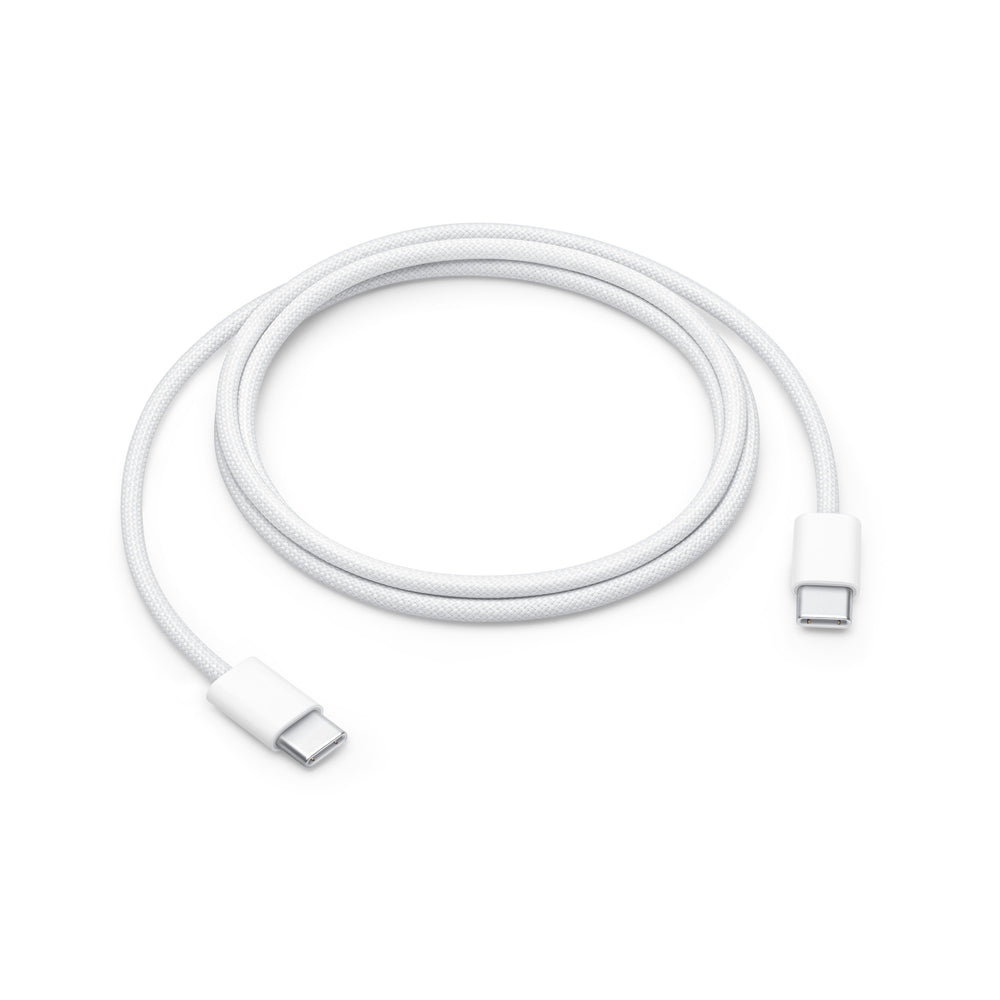
Original Apple 60W USB-C to USB-C charging cable (1 m) woven MQKJ3ZM/A
Unsere Vorteile für dich

100% Original Apple
Bei uns erhältst du garantiert originale AirPods von Apple. Überzeuge dich bei einem Apple Store von der Echtheit. Solltest du nicht zufrieden sein, übernehmen wir die Rücksendekosten!

100% Neu & Unbenutzt
Wir versenden ausschließlich neue, unbenutzte AirPods (außer bei speziell gekennzeichneten Artikeln).
Für den Einzelversand entnehmen wir sie der Originalverpackung und legen sie sicher in unseren OneEarPod-Stoffbeutel. Rückversand? Übernehmen wir gern!

100% Koppelbar
Unsere Ersatz-AirPods sind garantiert kompatibel mit deinem Set. Anleitung und Video für die Kopplung inklusive. Funktioniert es nicht, übernehmen wir die Rücksendekosten!

Kostenloser Versand ab 10€

Kostenlose Rückgabe

Top bewertet von 5.500+

With you in 1-3 working days
Weitere Informationen
Verbinde mühelos Alt mit Neu
Keine Sorge, du kannst deinen neu gekauften AirPod mit deinem Alten mühelos verbinden. Solltest du Schwierigkeiten damit haben, gelangst du hier zur offiziellen Anleitung von Apple.
1

Lege beide AirPods in das Ladecase und schließe das Case an eine Stromquelle an, schließe den Deckel, und warte 20 Minuten.
2

Öffne den Deckel. Wenn die Statusleuchte weiß blinkt, schließe den Deckel des Cases wieder und fahre mit Schritt 4 fort. Andernfalls mache weiter mit dem nächsten Schritt.
3

Lass den Deckel offen und halte die Setup-Taste auf der Rückseite 15 Sekunden gedrückt, bis die Statusanzeige erst gelb und dann weiß blinkt.
4

Bevor du bei der Einrichtungsanimation auf Verbinden tippst, gehe zu Einstellungen > Bluetooth > ⓘ (Deiner AirPods) > Gerät ignorieren und bestätigen Falls die Airpods dort nicht zu sehen sind, fahre mit dem nächsten Schritt fort.
5

Tippe in der Einrichtungsanimation auf Verbinden und dann auf Fertig. Die AirPods sind jetzt einsatzbereit.

Probleme beim Einrichten?
Kein Problem. Unser deutscher Support ist jederzeit per Mail erreichbar und hilft dir dabei. Solltest du weiterhin Probleme beim Koppeln haben, greift deine Echtheitsgarantie und wir zahlen dir den Rückversand.