
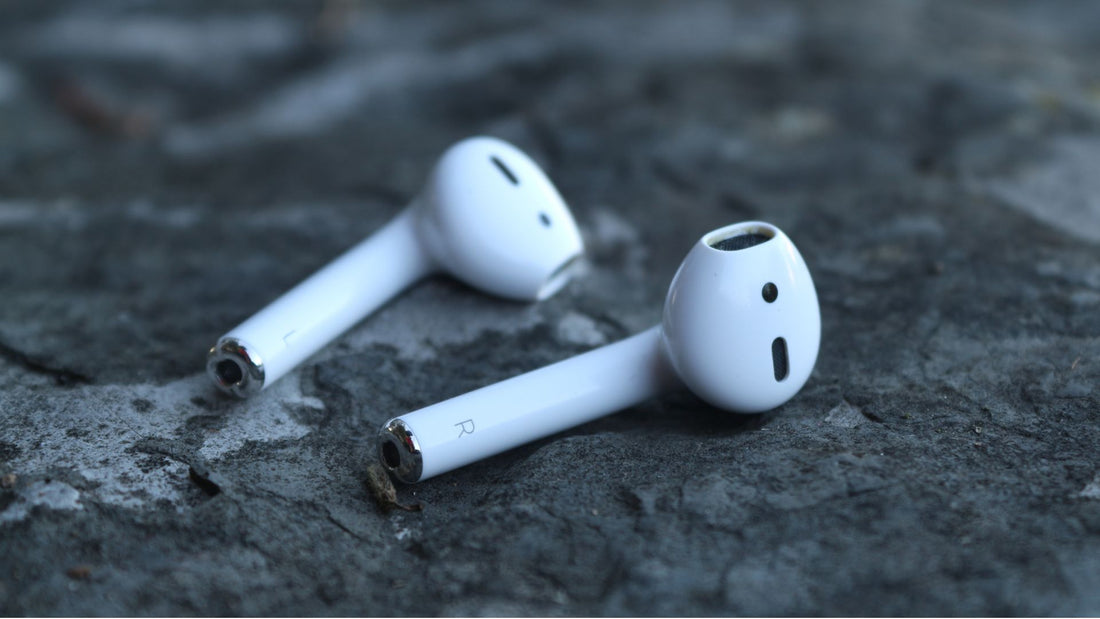
An AirPod that does not play sound or charge is not necessarily broken. First, check its power supply, connection and any dirt or debris. If the problem remains, consider service or replacing the affected part before buying a complete set.
Start by narrowing down the AirPods problem
- Check whether the case and both earbuds are charging.
- Check Bluetooth and the selected audio output.
- Try another audio source and keep the playback device nearby.
- If problems persist, use checks suited to your model or arrange service.
How you handle your AirPods matters
Store dry AirPods in their case and avoid impacts and dirt entering the openings. Gently wipe the outside with a soft, lint-free cloth. Do not use sharp objects or press into the speaker or microphone meshes.
Cleaning methods differ by model and component. Do not assume it is safe to apply alcohol to a cotton bud and use it on the meshes. Follow Apple's AirPods cleaning guidance and the linked instructions for AirPods Pro.

What should you do if your AirPods Pro seem faulty?
Check that both earbuds make contact in the case and charge. Make sure Bluetooth is enabled and your AirPods are selected as the audio output. Update the connected device and try another app or audio file. Apple explains how to check the connection in detail.
If these steps do not help, that still does not confirm a hardware fault. Identify the exact symptoms: is sound missing on one side, is one earbud not charging, or is there an error message? After replacing a part, use the replacement AirPods setup guide.
Have your AirPods checked or repaired
Apple offers troubleshooting, service and replacement options. Paid service may also be available outside warranty coverage. The solution and cost depend on the device and the assessed problem. Check with Apple's AirPods service.
Do not open an earbud or the case just to see what might be wrong. If you cannot resolve the issue yourself, having it checked is more useful than an unfocused repair attempt.
Replace a faulty AirPod
If only one part needs replacing and the other components work, a compatible individual replacement may make sense. Apple offers replacement options; OneEarPod also offers individual original Apple AirPods and charging cases.
Compare the price, condition and included items with the service offer and a complete set. If several parts are heavily worn, another option may suit you better. For a used replacement, check the condition description instead of choosing on price alone.
Choose a compatible replacement from OneEarPod
First identify the model and version, then the missing side or case. Our replacement guide takes you through the choice. The available conditions are listed on each product page.
Check the current availability, delivery and return information. If you have questions about your choice or order, use the contact details in our FAQ.