
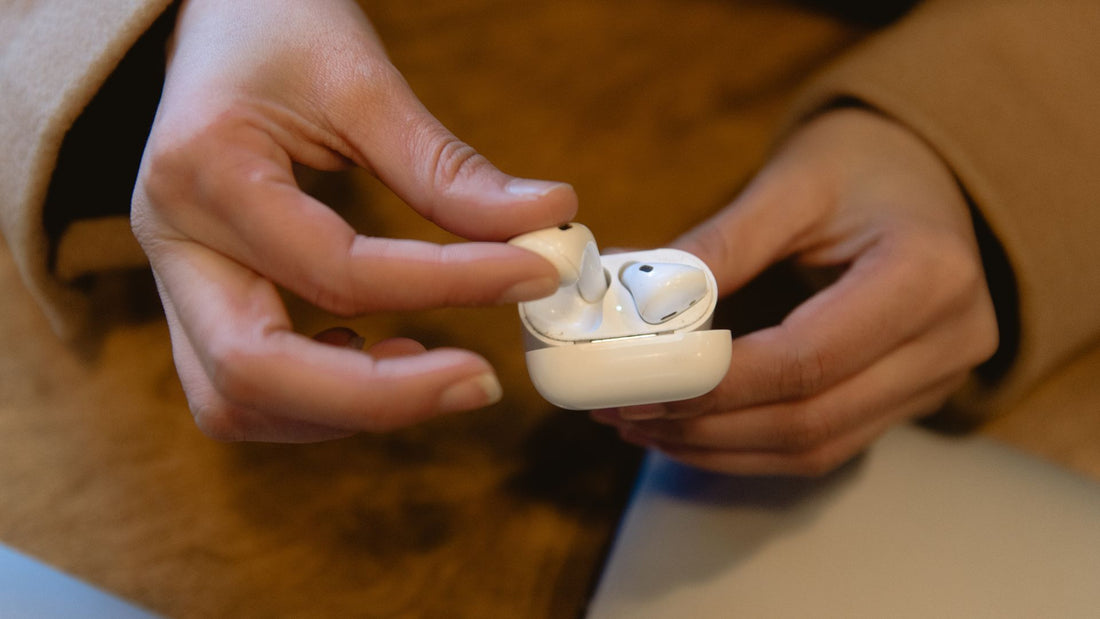
To enjoy your Apple earbuds for a long time, you should give them a little care regularly. Because they're delicate electronic parts, you need to be careful. Our short guide to cleaning AirPods will help you.
The good news is that you don't need any special cleaning products or expensive tools. You probably already have everything we recommend for cleaning AirPods at home. If not, at least it won't cost you much.
Cleaning AirPods properly – here's how
In our view, you only need three things to clean your in-ear headphones thoroughly and gently. For cleaning, we ourselves use only:
- A microfiber cloth: Similar to a glasses cleaning cloth, it should be lint-free, soft and dry.
- A brush: Ideally a brush that has never come into contact with paint and isn't too wide.
- Cotton swabs: Ideally, these should have a smooth, firm surface.
- Isopropyl alcohol: You can use this to disinfect the surfaces.
Below, we explain how to clean AirPods with these tools. There are a few differences between the individual components.
Cleaning the charging case
Let's start with the charging case. You can wipe the outside with the microfiber cloth. If you like, you can dampen the cloth slightly with isopropyl alcohol. However, this only applies to the outside of the case.
Inside the charging case you should only use a brush. This applies especially to the delicate charging contacts. Carefully sweep out the inside of the charging case with the brush to remove the dirt.
Cleaning the in-ears
The silicone tips of your earbuds are the parts that get dirty the fastest due to constant contact with your ears. Earwax can build up and should be removed regularly. To do this, remove the tips from the AirPods.
You can then rinse them under running water. If there are stubborn deposits, a cotton swab soaked in isopropyl alcohol or a toothpick can help. It's important to make sure the silicone tip is completely dry before you put it back on your earbud.
What's the best way to clean the AirPods speaker mesh?
This area is not only the hardest to clean, it's also especially important for enjoying music. The only suitable tool for cleaning the AirPod mesh is a narrow brush. You can use it to very carefully brush over the speaker and clean the mesh.
You need to be particularly careful because you don't want to push dirt through the mesh into the inside of the speaker. To disinfect, you can also use a cotton swab soaked in isopropyl alcohol here and carefully clean the mesh with it.
What should you avoid at all costs?
If you want to clean your AirPods properly, always keep in mind that they're sensitive electronic parts. That's why you should never use too much moisture. This applies to both water and the alcohol you can use for cleaning. You should also never use a lot of force. If the dirt doesn't wipe away easily, you shouldn't apply too much pressure.
To prevent dirt that's hard to remove from building up in the first place, you should clean your AirPods regularly. Set a schedule based on how intensively you use them. The more often you use the earbuds, the shorter the intervals between cleaning your AirPods should be.
Take your time cleaning and don't do it in a rush or even on the bus. When you separate the silicone tips and the earbuds, make sure you do it in a clean place where you can put the individual parts down safely.
Extend the life of your AirPods
In addition to regular, thorough cleaning, there are a few other things you should keep in mind to extend the life of your earbuds. There are some substances they'd better not come into contact with. These include, for example, dish soap, which you should never use to clean your AirPods.
Cosmetic products such as creams, lotions and oils can also damage the material. Sunscreen also causes the silicone tips to age faster and, above all, look unsightly. So when applying sunscreen, be careful not to get it on your inner ear.
What if the earbuds can no longer be cleaned?
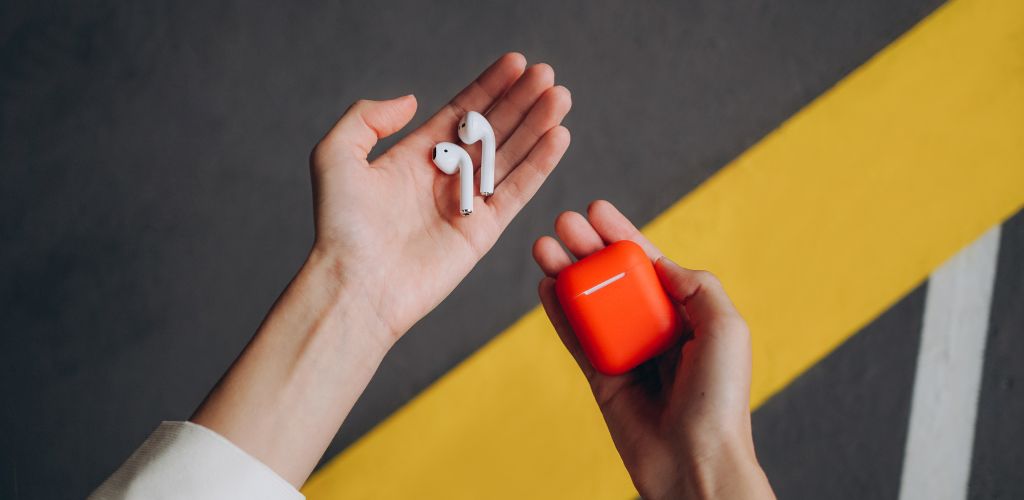
Unfortunately, it can happen that individual parts of your bundle can no longer be cleaned. Fortunately, this doesn't mean you have to buy a new set right away. You can buy replacement silicone tips directly from Apple, for example. For all other parts, there's us.
From us, you can order a single left AirPod or a right AirPod. We also offer a replacement charging case for devices of the various generations. So if you have a mishap and no longer want to use a really dirty earbud, you can order a replacement from us.
Conclusion – cleaning AirPods properly isn't difficult
It really only takes a little discipline to keep your earbuds ready to use. Even if you take your time, cleaning your AirPods won't take longer than 15 minutes. You can always find this time in your everyday life, whether as a fixed part of your weekly schedule or spontaneously at the weekend when you're at home.
The devices will thank you, and regular cleaning of the speaker mesh ensures you can enjoy the sound in the usual quality. If you treat and care for your devices carefully, you'll also quickly notice if performance declines. This gives you the chance to react before an earbud breaks for good.
And we have one more very simple tip for you. Instead of getting annoyed that your in-ears are dirty again, pay attention in everyday life to where and how you store them. The safest place is always the charging case. And if you keep it clean, the earbuds themselves won't get dirty either.