
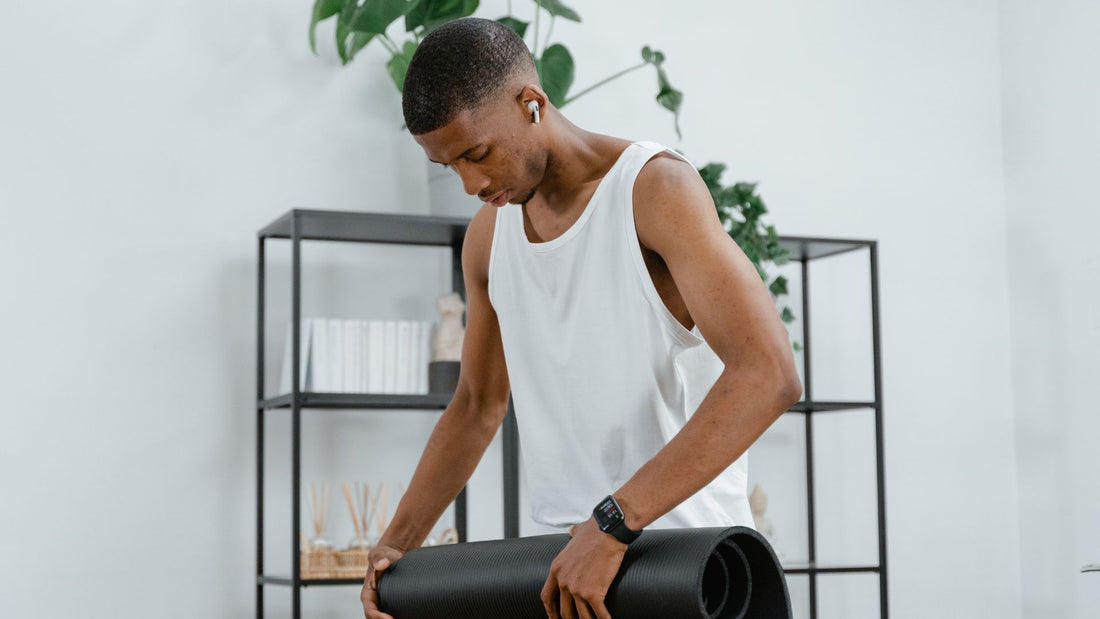
Today we want to look at a problem that mainly occurs with AirPods Pro. There have been many reports that they produce an interfering noise. Most of those affected say that their AirPods Pro crackle and therefore don't deliver the sound they're used to.
If you're also affected by this problem, you'll find out here what you can do about it. There are a few simple things you can try yourself if your AirPods Pro crackle. If that doesn't fix the problem and you're already outside the warranty period, at the end you'll also find out how you can buy a single replacement part for your headphones.
AirPods Pro crackling? This could be why
Unfortunately, there isn't just one cause for the crackling you may notice with AirPods Pro. That's why we first want to introduce the most common reasons why AirPods Pro crackle when you move. The order doesn't reflect how often they occur, as there are no reliable figures on that.
Problems with noise cancellation
The noise cancellation of these headphones sets them apart from other earbuds. At the same time, it can also be responsible for AirPods Pro crackling. This is the case, for example, when the microphones that pick up ambient sounds are dirty. As a result, the headphones can no longer reliably decide which sounds are important for the user and should be sent to the ear, and which aren't.
Interference with the Bluetooth connection
Even if you're used to wearing your earbuds all over your home, you should still make sure you have a stable Bluetooth connection. If an AirPod Pro crackles, it may be because the playback device is too far away from you.
Outdated firmware
Another cause of crackling in AirPods Pro can be outdated software on the playback device. That's why you should check the firmware version on all devices you've connected to the headphones.

How to fix crackling in AirPods Pro
To solve the AirPods Pro crackling problems, you need to follow a few simple steps. For each of the causes mentioned above, we've written a short guide to fixing the problem. Within a few minutes you can find out whether your AirPods Pro still crackle when you move or not.
Clean the headphones
To solve problems with noise cancellation, you need to clean the earbuds' microphones. You need to be careful, as this is sensitive technology. Find a clean, well-lit place to work and only use cleaning products that we've recommended in our detailed cleaning guide for this.
Check the Bluetooth connection
To check for possible problems with the connection to the playback device, you should interrupt the Bluetooth connection once. Then place the device right next to your headphones and establish a new connection. Since it will now be stable, you can find out whether the AirPods Pro crackling was caused by this.
Run a software update
To rule out outdated firmware as the cause of your AirPods Pro crackling, you should update the operating system on your iPad, iPhone or iPod. This only takes a few minutes and ensures that all known problems are eliminated by the new software.
What you can do if your AirPods Pro still crackle
Unfortunately, the measures above don't always get rid of the crackling in AirPods Pro. That means you'll need to find a replacement, because repairing the headphones rarely makes economic sense.
So first check whether you're still covered by the manufacturer's warranty . If so, contact Apple and ask for the faulty device to be repaired or replaced. If the warranty period has already expired, you'll have to find a replacement yourself. Unfortunately, Apple doesn't offer individual components of the bundle as replacements. We do.
Order your AirPods Pro replacement now
Some time ago we faced the problem ourselves that there were no individual components available as replacement parts. Since we didn't want to resort to counterfeit headphones from the Far East, the only option was to buy a new bundle. We found this unacceptable for several reasons.
- Cost: A new bundle is very expensive and therefore annoying when you only need to replace one earbud.
- Sustainability: Buying a whole set because one earbud is faulty or has gone missing uses resources unnecessarily and creates extra waste that we'd gladly have done without.
We didn't want to accept this situation, so we founded OneEarPod. Today you can benefit from this and order from us. What exactly do we offer you?
Single replacement parts when your AirPod Pro crackles
With us you can order original replacement parts. That's why you of course also have the usual manufacturer's warranty and can contact Apple directly if you have problems with parts bought from us.
We buy complete sets ourselves and split them into their individual parts. To spare you unnecessary hassle, we test all components before we ship them to you. With us, you only have to buy the earbud or charging case that's causing problems. So if your left AirPod Pro crackles when you move, you only reorder that one part.
In our clearly laid-out online shop you can quickly find the product you're looking for. Because we don't charge shipping costs, the price displayed is also your final price. Thanks to lean processes, we ship all items within 24 hours of receiving the order. So you won't have to wait long for your replacement part before you can combine it with your existing parts into a set and listen to music in the quality you're used to again.
Our range doesn't just include replacement parts for AirPods Pro. For second and third generation AirPods devices, we also offer left and right earbuds and the matching charging case. We explain how to connect these with your existing parts into a bundle in our step-by-step guide. This ensures that with our replacement part you'll have a complete set of Apple AirPods again within a few minutes.