
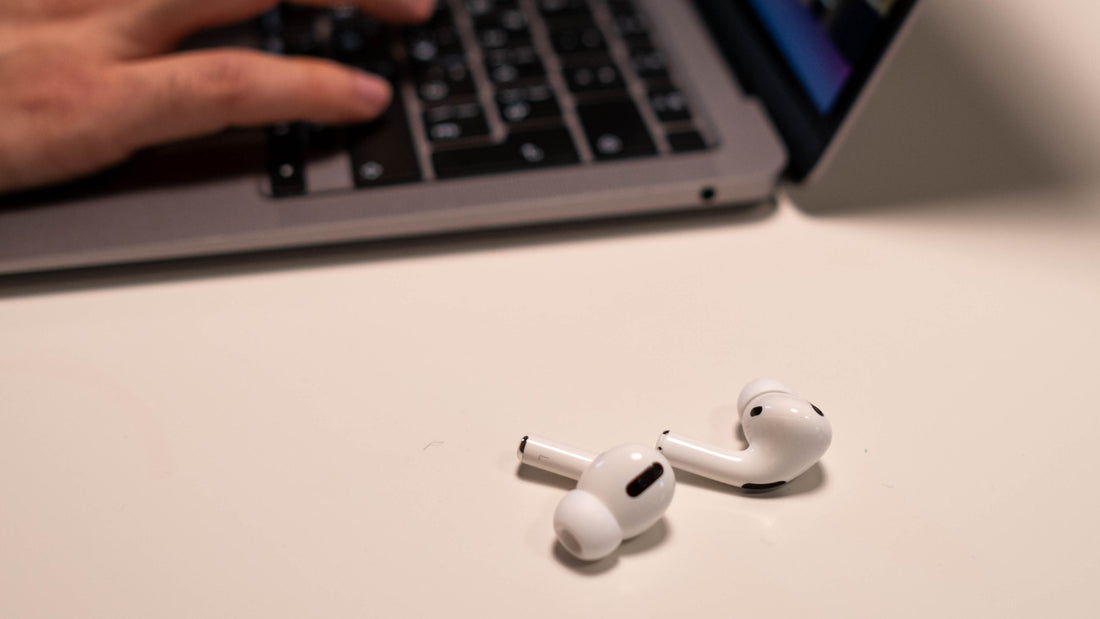
All of Apple's high-quality earbuds have an individual serial number. It lets you tell whether they are original devices or fake AirPods Pro. You also need to check the Apple serial number to find out whether the manufacturer's warranty is still valid.
Today we not only want to show you how to enter the Apple serial number. We'll also tell you how to find the AirPod Pro serial number so you can then check it.
Why is it important to check an Apple serial number?
Unfortunately, counterfeit earbuds keep appearing on the market. To rule out having bought fake AirPods Pro, you can use the serial number to find out whether they're really original. Only in very rare cases do counterfeits carry a genuine but stolen original serial number.
The second important reason to enter an Apple serial number is to check the warranty status. Apple offers an online check for its devices that lets you see whether the device is still within the manufacturer's warranty, which in Germany is two years. To check the warranty status or whether you have fake AirPods Pro, you first need to find the serial number, and there are several ways to do that.
Check the AirPod serial number on a MacBook or laptop
An easy way to find the correct serial number is to look it up on your MacBook. We'll explain step by step what you need to do. First, open the menu. Then select the “System Settings” menu item.
Now, in the menu overview on the left, select your AirPods Pro to check the serial number. Once you've clicked on your earbuds, you just need to click the “Serial Number” menu item to have it displayed.
Check the AirPod serial number on an iPhone or iPad
Another way to find the unique device number so you can check your AirPods Pro serial number is to use your iPhone or iPad. We've written a short, concise guide for this too.
- Open Settings on your device.
- Next, tap the Bluetooth menu.
- There you'll find your AirPods under the device name you gave them. Next to the name is a small “i” that you need to tap.
- The serial number of your AirPods Pro will now be shown. By the way, the earbuds don't need to be connected to the playback device for this.
Find the printed serial number
If you still have the original packaging of your earbuds, you'll also find the serial number printed on it. If you bought the devices directly from Apple, the serial number is also printed on the invoice. This of course also applies to electronic invoices you received by email.

Identify the charging case
In the charging casethat comes with every bundle, you'll also find the serial number. It's on the underside of the lid, so it's quick to find. AirPods Max are an exception. On this model, the important number is under the left ear cushion, which you need to remove carefully to get to the serial number.
Check the authenticity of your AirPods
Apple offers a free service to check the authenticity of your earbuds. All you need is the individual device number. Go straight to the manufacturer's websiteto check the AirPods Pro serial number.
If your AirPods Pro are fake, it will show you right there. This way you can find out with absolute certainty whether you're holding original AirPods.
Check whether a warranty still applies
You can also check the warranty status of your earbuds directly with Apple. To do this, you likewise visit the website and check the AirPods Pro serial number. You just need to enter the Apple serial number and confirm that you're not a bot.
If your earbuds are still under warranty, this will be shown directly on the page. You may need to sign in with your Apple ID so that the purchase date can be verified, if that hasn't already happened.
Also look for original parts when buying replacements
If you only need a single earbud as a replacement because you've lost one or it's faulty, make sure you get an original AirPod. As the manufacturer itself doesn't offer individual earbud components, there are some black sheep on the market.
You can carry out the check as described above. It becomes unnecessary if you order your replacement parts from a reliable provider such as OneEarPod. With us, you only get original replacement parts and therefore the usual manufacturer's warranty. This is possible because we buy complete bundles ourselves and then split them into their individual components.
Save money and conserve resources
Buying individual parts of a set can save you quite a lot of money. And that's not all. At the same time, you help avoid unnecessary waste, because you only buy the replacement part you really need. Because fewer earbuds are manufactured, fewer raw materials need to be used.
That convinced us to found our company and close the gap for Apple AirPods replacement parts. Our range doesn't only cover AirPods Pro. For Apple AirPods of the second and third generation we also offer single earbuds and the charging case as replacement parts.
Conclusion – checking the serial number is really easy
Whenever you're not sure whether you have original earbuds in front of you, you can check the AirPod Pro serial number with little effort. Every seller should give you this brief moment if you want to buy used earbuds. This of course also applies if you want to check whether used earbuds are still under warranty because there's no longer a receipt.
You take no risk at all if you order directly from us. As we ship within 24 hours of receiving your order and there are no shipping costs with us, we're surely also one of the fastest options if you're looking for a replacement to keep enjoying your music as usual. Just click through our clearly designed online shop and see for yourself.