
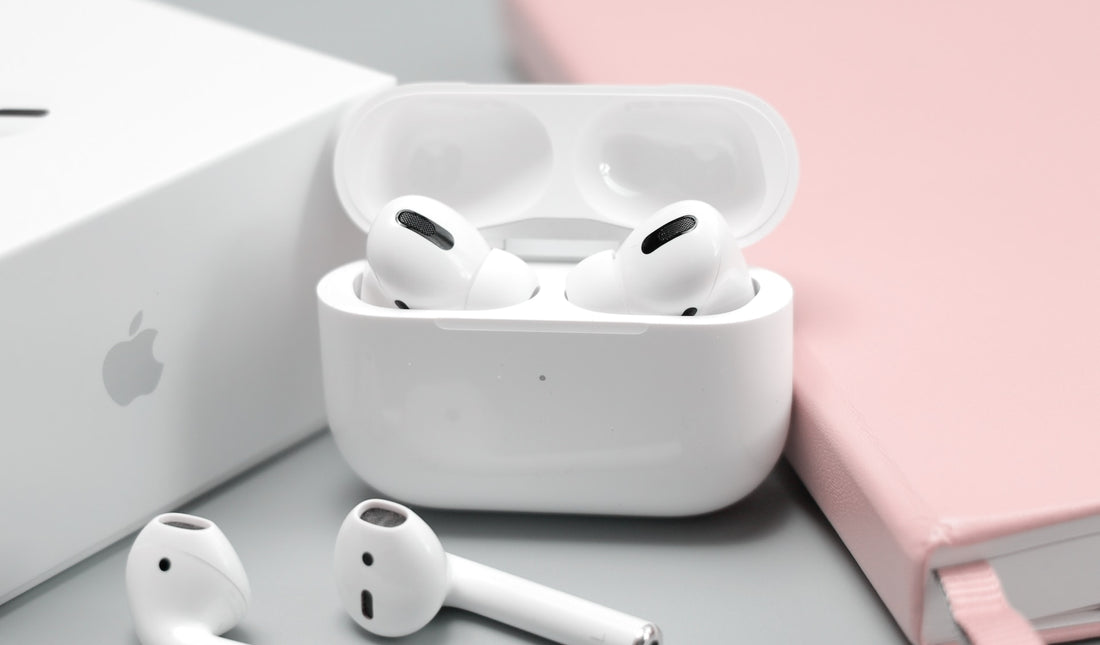
In this post, you'll learn how to clean the microphones of your AirPods gently and correctly without damaging them.
Cleaning the microphone of AirPods and AirPods Pro
First of all, note the following: You must never clean AirPods and AirPods Pro under running water. No liquid must get into the openings.
We're aware: It's a bit tricky to clean the small openings of the AirPods. To remove dust from dirty microphones and/or speakers, it's best to use a clean brush with fine, soft bristles.
Take care, to make sure no dirt is pushed through the metal mesh.
If that's not enough, you can also clean the microphone and speaker meshes with a dry cotton swab. Be gentle here too and avoid pushing earwax through the mesh.
If there's still dirt, put a tiny drop of alcohol on the cotton swab and gently remove the rest of the dirt.
Important: Don't use sharp objects to clean the mesh. In the worst case, you could damage the mesh. By the way: here you'll find more tips on cleaning AirPods and the charging case too.
Can AirPods get clogged?
Yes, the microphone and speaker openings of AirPods can become clogged with dust, dirt or earwax. The small openings on AirPods are prone to build-up of particles, especially when the earbuds are used for long periods.
Clogged openings can affect audio quality, as the sound isn't transmitted properly. To prevent or fix this, it's a good idea to check the microphone and speaker openings of your AirPods regularly and clean them when necessary.
Frequently asked questions

Why isn't the microphone on my AirPods working?
Your AirPods microphone isn't working? This can have the following causes:
- The AirPods are clogged
- Not enough battery
- Pairing problem
- Outdated firmware
- AirPod is faulty
You'll find more information on this in this article too. By the way: if only one of your AirPods is faulty, you can find a replacement in our online shop. We also sell single original Apple AirPods that come with a warranty. Feel free to have a look around here.
Why do AirPods Pro hiss?
If your AirPods are hissing, there can be several reasons:
- Problems with noise cancellation
- Bluetooth connection interference
- Outdated firmware
- AirPods are faulty
More information with solutions to this problem can be found here.
How do you get earwax out of AirPods?
- Turn off the AirPods
- Don't use water or liquids
- Use a smooth cotton swab to gently remove earwax from the outer parts of the AirPods
- Don't use sharp objects
- Use a soft brush with fine bristles to remove dust and easily accessible dirt
Can you have AirPods cleaned professionally?
Apple doesn't offer a special "cleaning service" for AirPods. However, there are various third-party services and companies that offer cleaning and repair services for AirPods and other electronic devices. These services may be available online or in physical stores. However, it's important to be careful when choosing a third party to make sure it's a reliable and authorised service.
What happens if you wash AirPods Pro?
Washing AirPods Pro can cause serious damage and isn't recommended. AirPods Pro aren't waterproof and can be affected by direct contact with water. If you're lucky, your AirPods may survive the accidental wash.
Can you clean AirPods with nail polish remover?
We advise against using nail polish remover or other chemical cleaning agents to clean electronic devices such as AirPods. Nail polish removers often contain aggressive chemicals that can damage the plastic casing of the AirPods as well as the electronic components.
Do 2nd generation AirPods have a microphone?
Yes, 2nd generation AirPods have a built-in microphone. The microphones are integrated into each earbud and let you use the AirPods for calls, voice control and other functions that require audio input.